What's in the Box
Installation
1
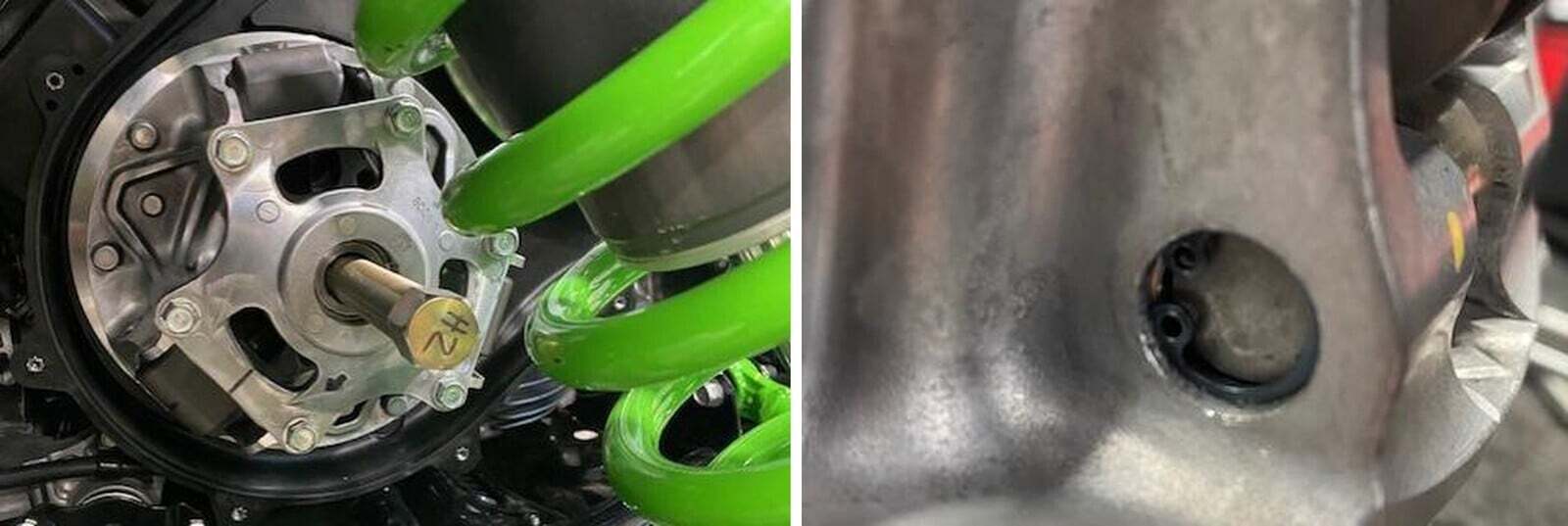
Remove the outer clutch cover. Remove the drive belt. Use a 23mm socket to remove the OEM clutch bolt. Install the primary clutch puller. You will want a impact to remove this clutch.
2
Compress the primary cover down slightly. With a snap ring pliers, remove the snap ring. Be careful not to lose the snap ring.
3
On the opposite side of the snap ring, slightly tap the pin out. Sometimes they can be stuck.
4
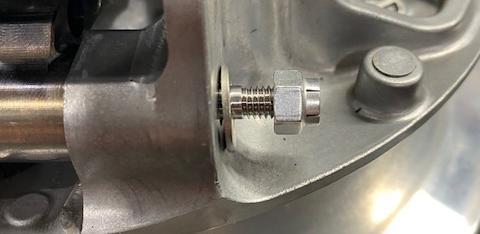
Install the weight into the clutch. You can continue using the OEM pin and snap ring, we recommend using the updated EVP pins. Slide the threaded end first. Fasten down with washer and locknut.
5
Before installing the primary clutch back onto the crankshaft, clean both tapers with brake cleaner. Reinstall the clutch, torque the primary bolt to 174 ft-lb.