Skip to content
English
  • There are no suggestions because the search field is empty.

MAPTUNER X Can Am — Install Guide

Can-Am · (general)


Installation

1
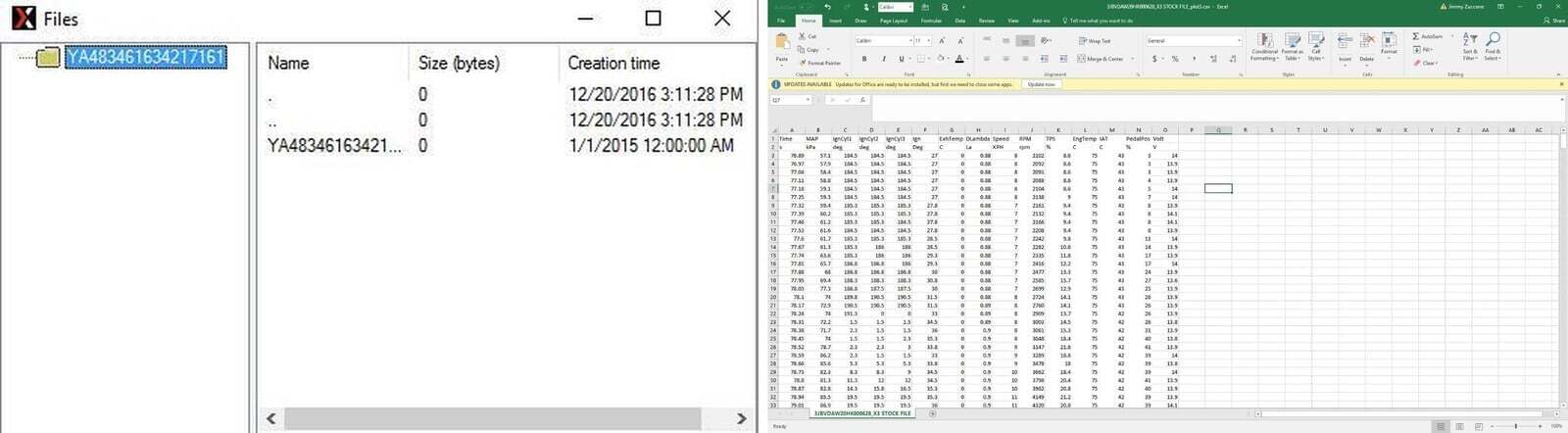
Download and install the MyMaptuner program from: Https://maptuner.se/download/ Choose the version that corresponds to your Windows installation (32 or 64 bit). If you are unsure of how many bits it is your operating system is, follow the instructions below:
2
Once My Maptuner is installed on your computer, run the program.
3
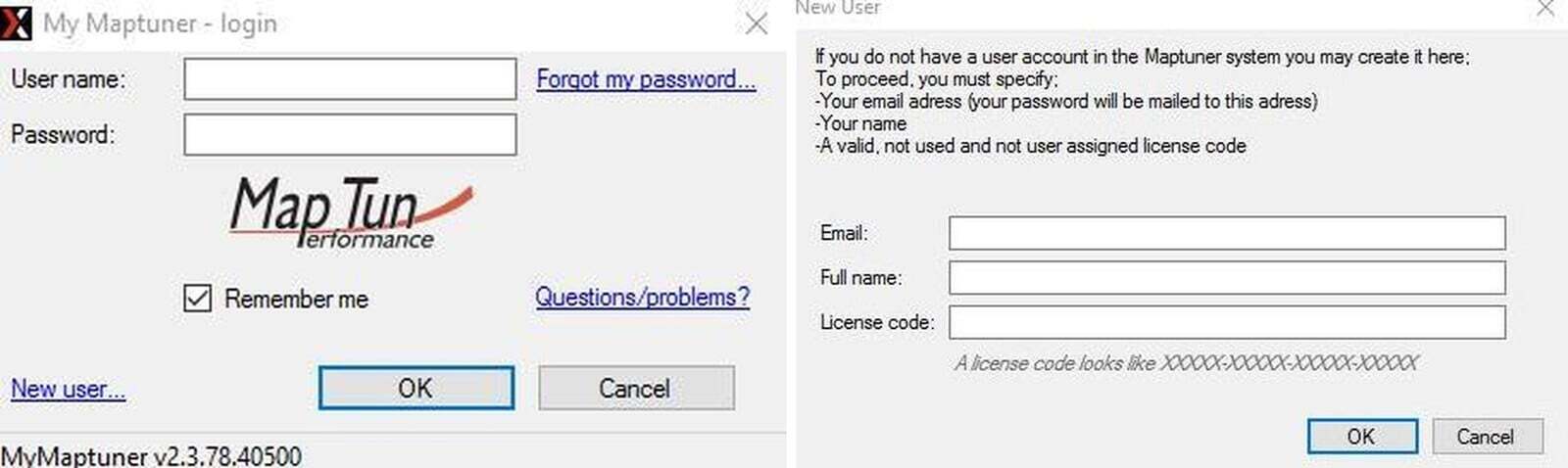
Click “New User” on the login screen.
4
Enter your email address – this will be your username and it is also where your login password is sent, so make sure this is entered correctly! Then enter your first.
Can-Am (general) installation
5
Check your email for the password.
6
Restart the MyMaptuner program and login using your email and password.
7
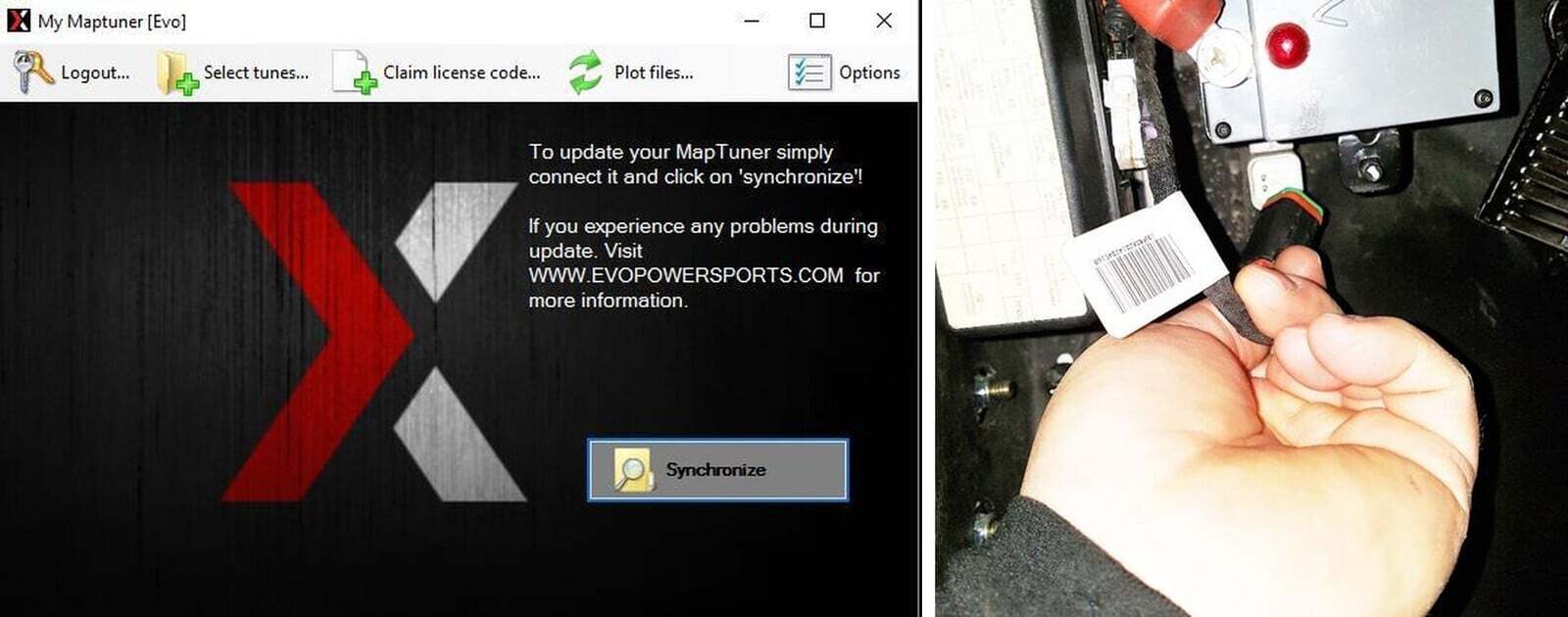
Click “Synchronize”
8
Connect to your Maptuner X to your vehicle using the supplied cable. The cable has an HDMI plug on one end which is inserted into the bottom of the Maptuner. The other end plugs into the diagnostic port on the vehicle. In 2015 & 2016 Mavericks and Maverick Turbos, the diagnostic plug is next to the battery under the dash. In 2017 and 2018 X3’s, the port is located under the glove compartment lid. 2019 and 2020 Can Am X3’s the diagnostic port is located under the center dash panel.
Can-Am (general) installation
9
Turn the key to the “ON” position - on X3’s push the start button so the dash lights up, but DO NOT start the vehicle.
10
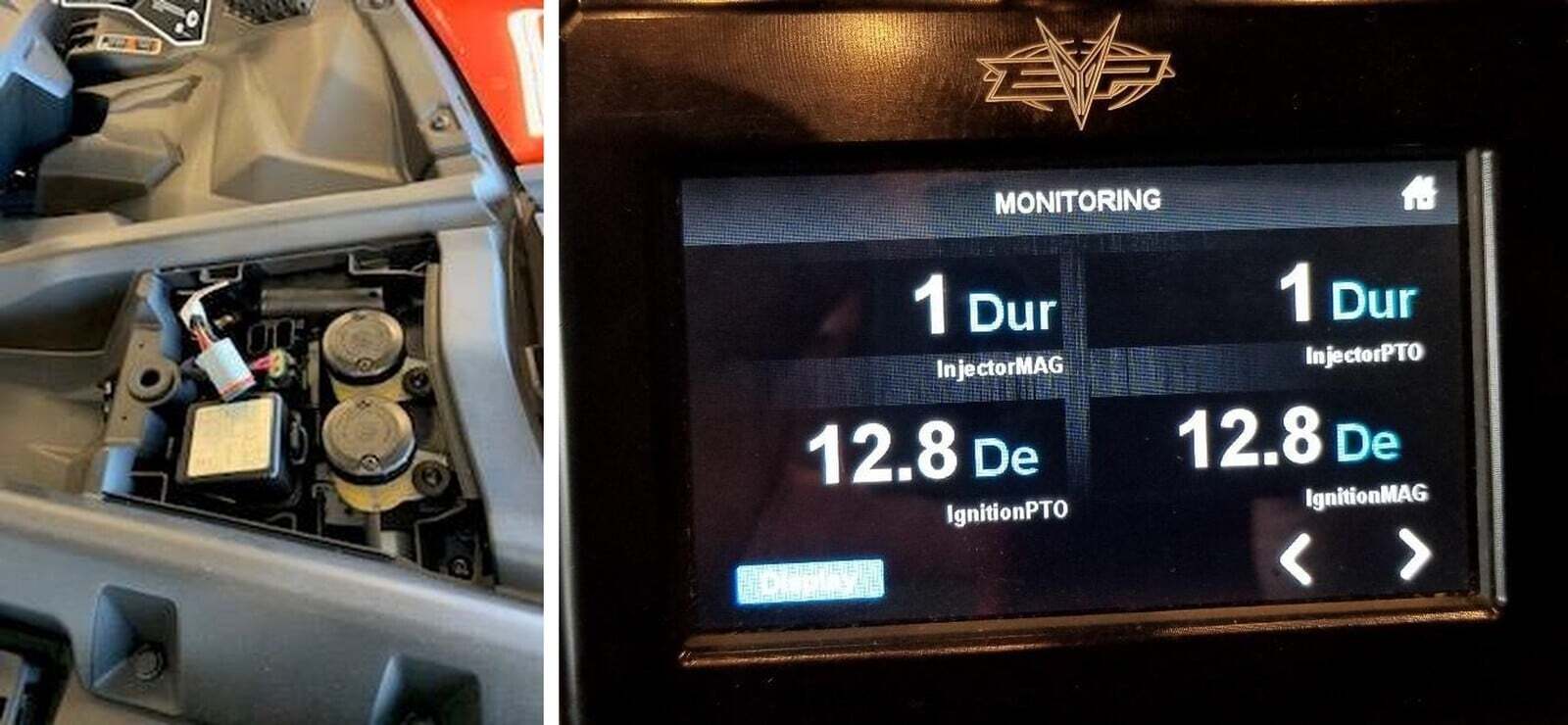
The Maptuner screen will power up and have a few icons on the screen. Click the “add vehicle” icon and follow the on-screen instructions. It will take 30 – 60 seconds to fully register the vehicle.
11
Once complete, disconnect Maptuner from the vehicle and bring it to your computer.
12
Synchronizing puts your vehicle specifications and vin# on our server – this ensures the correct tuning for your vehicle is selected. MyMaptuner will download a Stage 1 tune by default.
Can-Am (general) installation
13
Once synchronization is complete, please submit a support ticket to let us know this has been done. We will then add the rest of the tuning files you have purchased to your account. This is usually done immediately, except for weekends which sometimes may take a few hours. Once you receive the confirmation email from us that the tuning files have been added, sync once more and all of the files will be added.
14
After step 13 is complete, there is no need for a PC computer anymore unless you are upgrading/updating tunes, adding another vehicle or adding features. In other words, the tuning files are stored on your Maptuner and your vehicle can be flashed anytime or anywhere without internet or a PC. If you have multiple vehicles, they can also be flashed in this same manner.
15
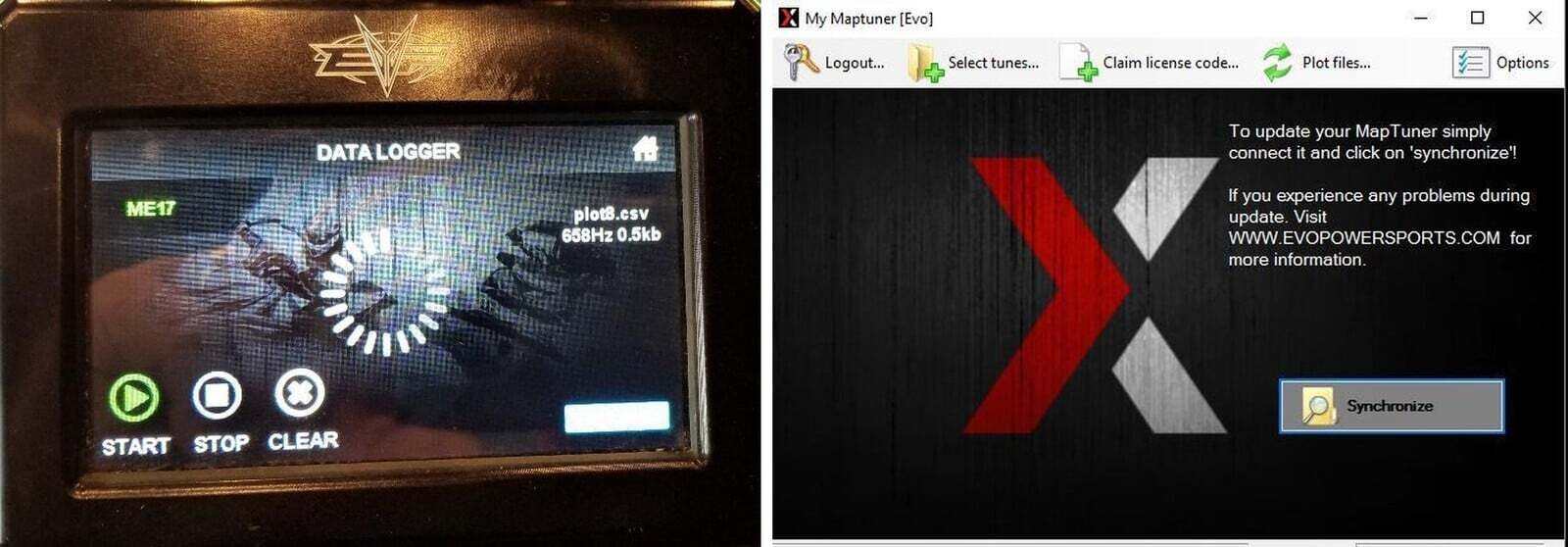
You may now program your vehicle by connecting your Maptuner to the diagnostic port again. Switch the key to the “ON” position or press “START” momentarily on the X3 to light up the dash button and follow the on-screen instructions.
  • DO NOT START THE VEHICLE! On the Maptuner display, press the “PROGRAMMING”
16
If you have any questions, please submit a support ticket.
Can-Am (general) installation

Note: This product is exempt from the emission standards and related requirements of 40 C.F.R. § 1051 as provided by 40 C.F.R. § 1051.620, and California law [e.g., vehicle code§§ 27156 and 38391]. This product is sold only for use in connection with EPA certified, purpose-built, nonroad vehicles used solely for closed course, nonroad competition/racing and not used for any recreational purpose or on public highways or right of ways maintained by and open to the public. This product is sold only in connection with machines that do not fall under state and/or federal noise or emission standards/regulations. Purchasers who/that purchase this product represent and warrant that the product is purchased only in connection with EPA -certified, emission-regulations-exempt and noise- regulations-exempt competition/racing vehicles as interpreted under applicable state and/or federal law. Questions: Call Evolution Powersports at (715) 247-3862.