Skip to content
English
  • There are no suggestions because the search field is empty.

Can-Am Maverick R Auxiliary Tank — Install Guide

Can-Am · Maverick R · SKU Passenger (500FC0077), Driver (500FC0078), Dual (500FC0079)

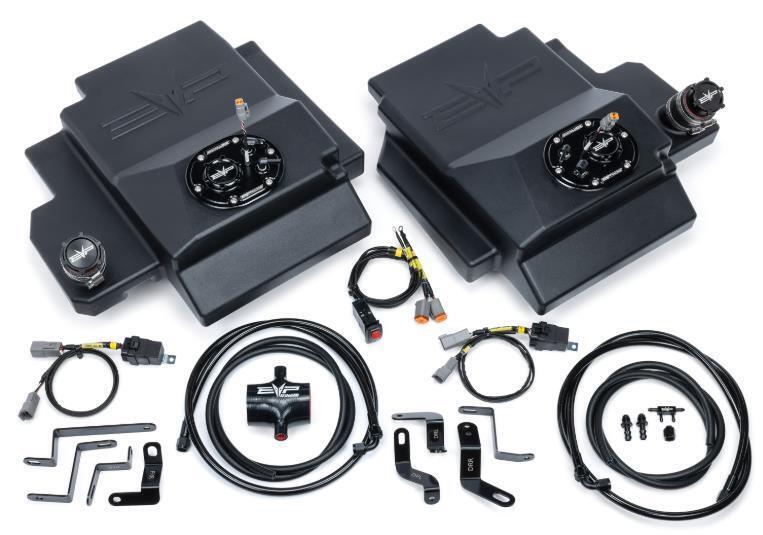
What's in the Box

Can-Am Maverick R kit contents
Included parts
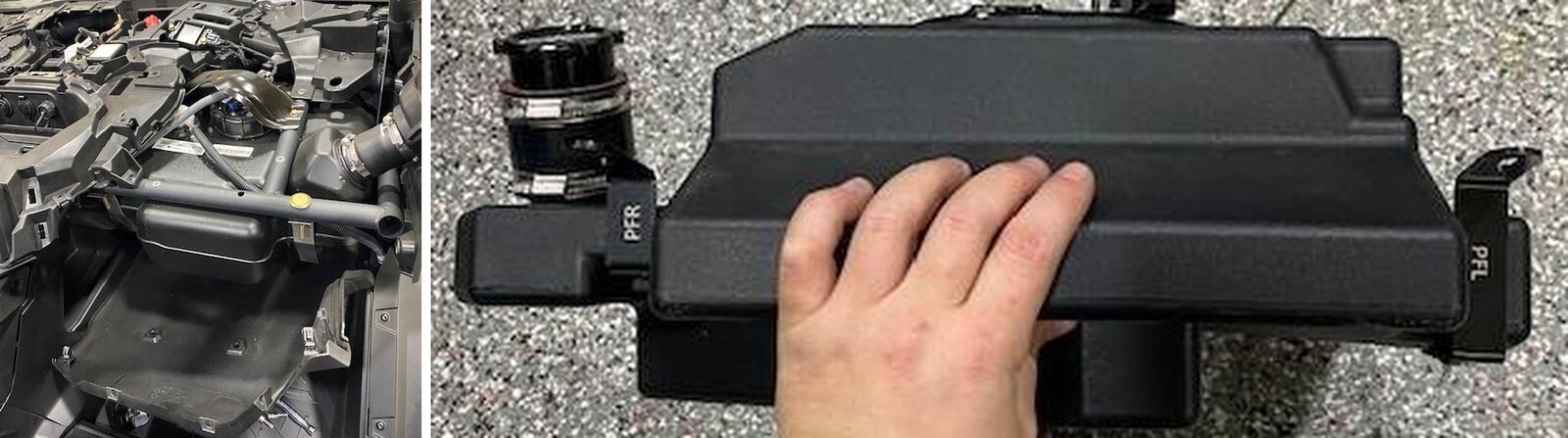
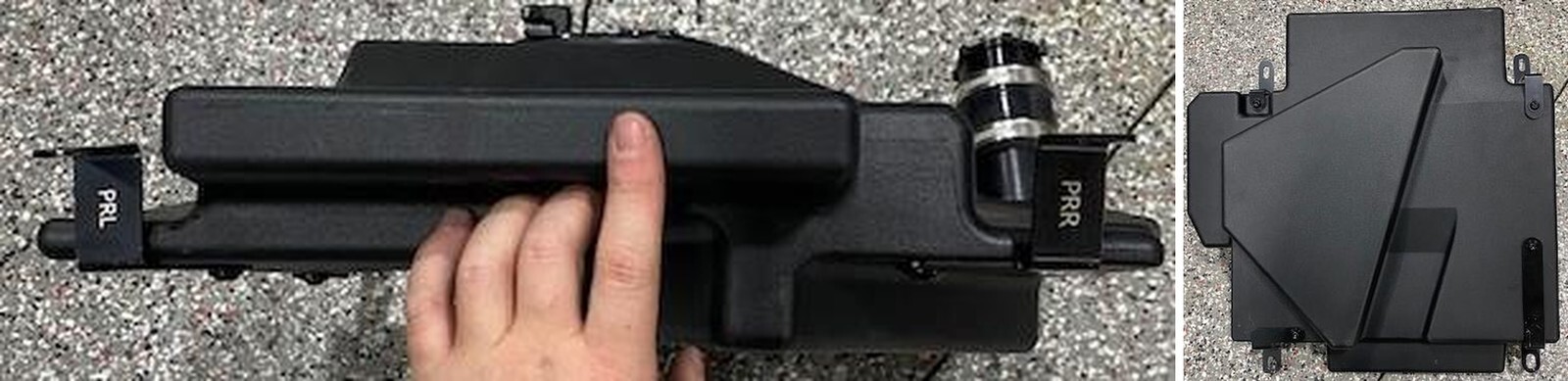
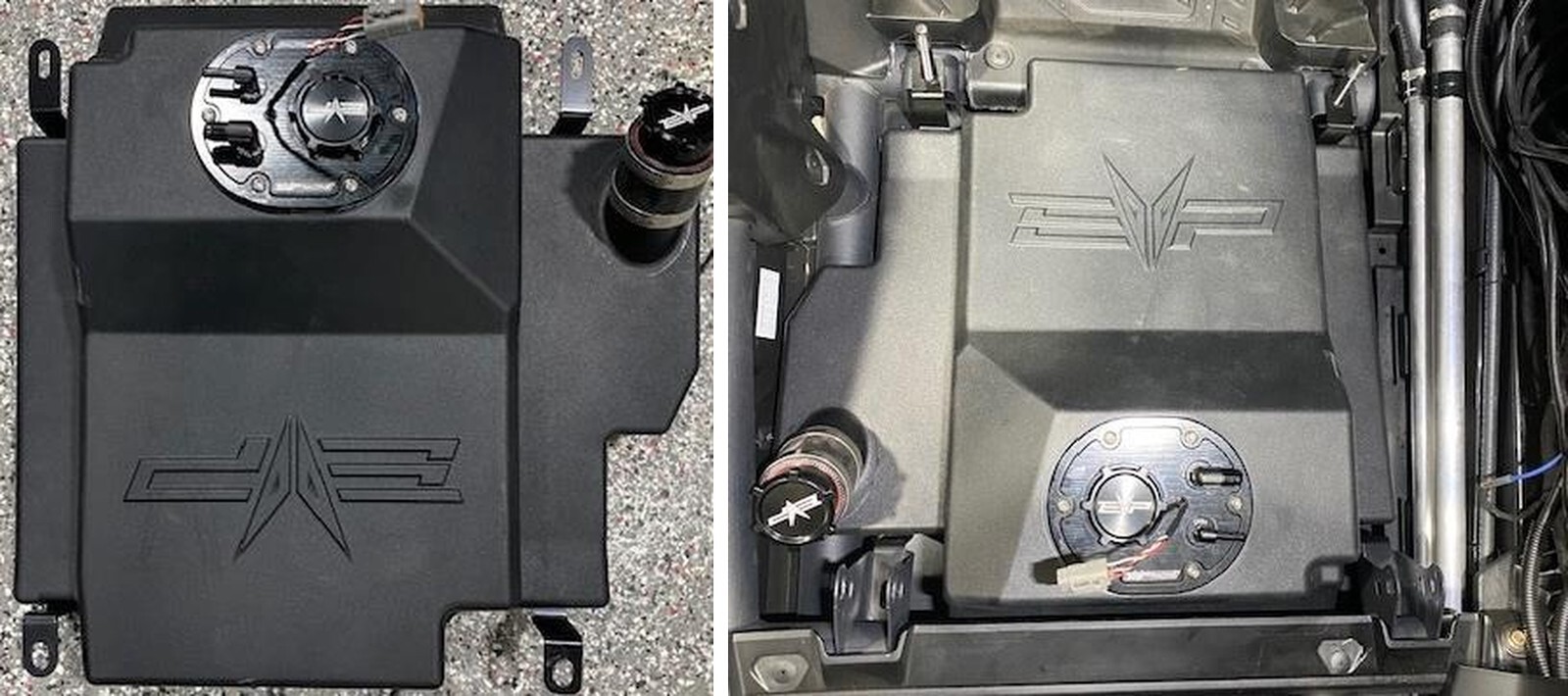
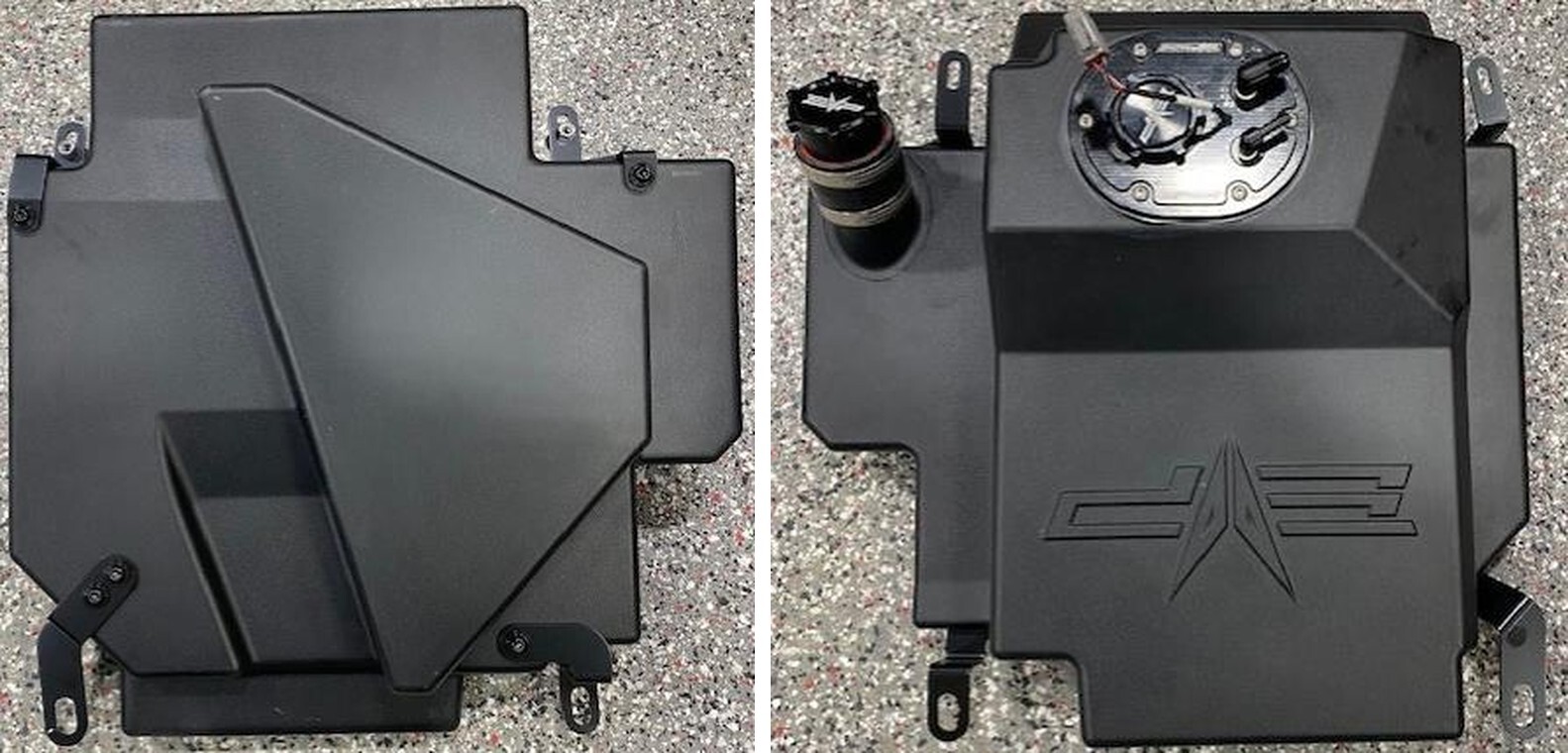
Passenger/Driver Side Tank Qty 1
Installation Kit, Passenger/ Qty 1
Driver or Dual Kit
Required tools
Screwdriver(s)
Torx Socket Set
Metric Socket Set
Push Dart Tool

Installation
1
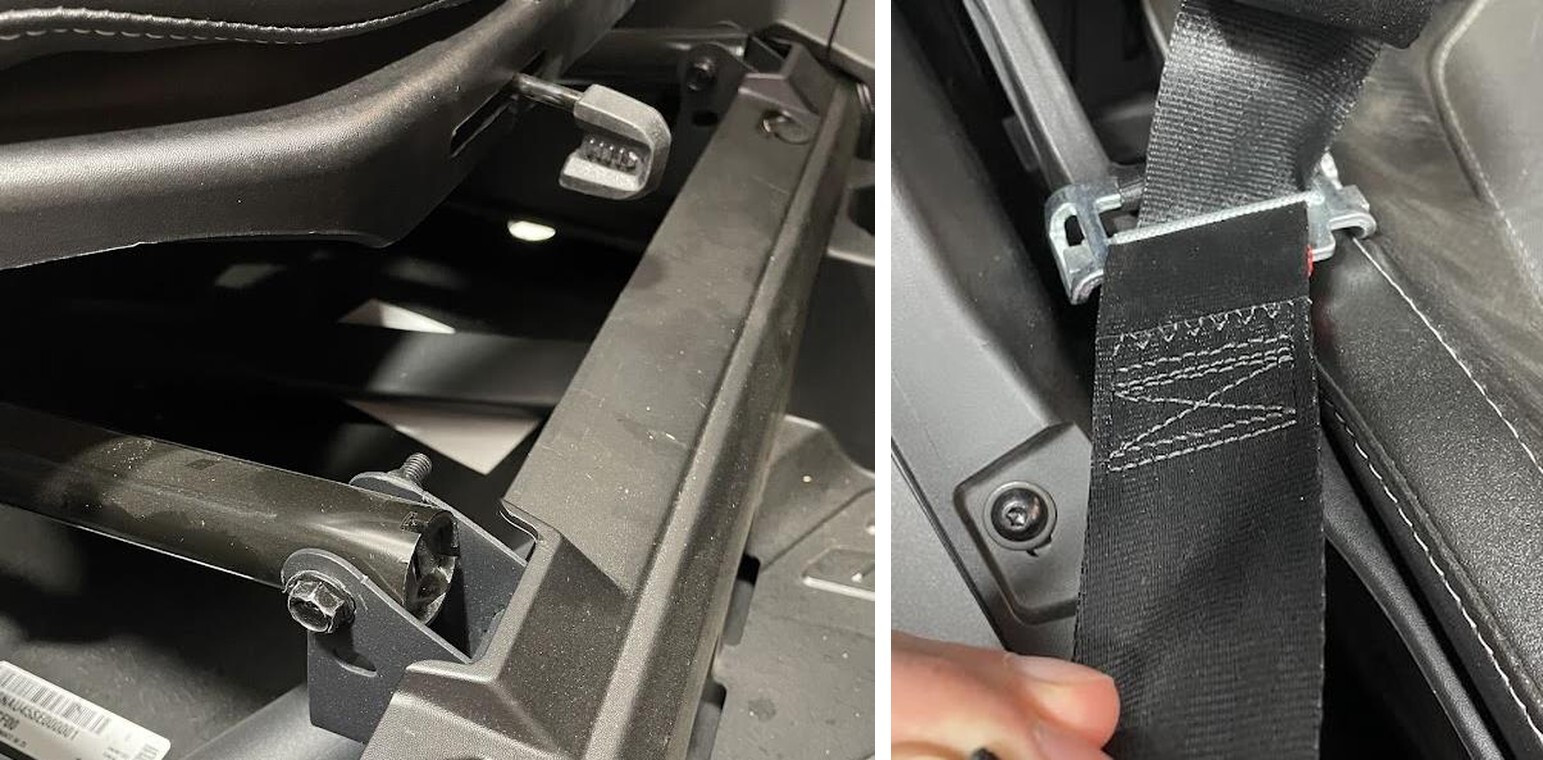
Remove the seat(s) front mounting bolts. Slide the seat all the way back. Remove (2) 13mm bolts with (2) 13mm locknuts.
2
Unfasten the seat belt straps from the lower locks. Pull straps through the seat.
Can-Am Maverick R installation
3
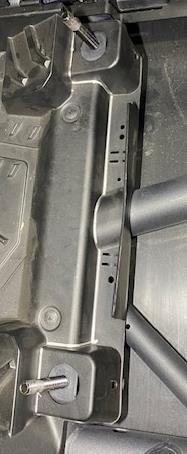
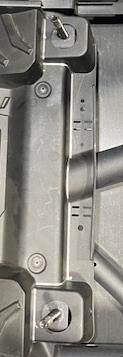
Slide the seat all the way forward, remove the rear seat locknuts and spacers (if on top). Use a 17mm socket.
4
Slide the seat to the middle position before removing it from vehicle.
Can-Am Maverick R installation
5
MAX ONLY: With a Dremel, jig saw, carbide bit- cut the plastic on the silver line. 2-door vehicles this is NOT NEEDED.
6
Remove the side tunnel plastic. Remove (2) T-30 on the rear (it may help to remove the cup holder), pop the panel out of 3 clips, twist upward and remove (2) gold T-30 located on the very front of the panel, inside the tunnel.
Can-Am Maverick R installation
7
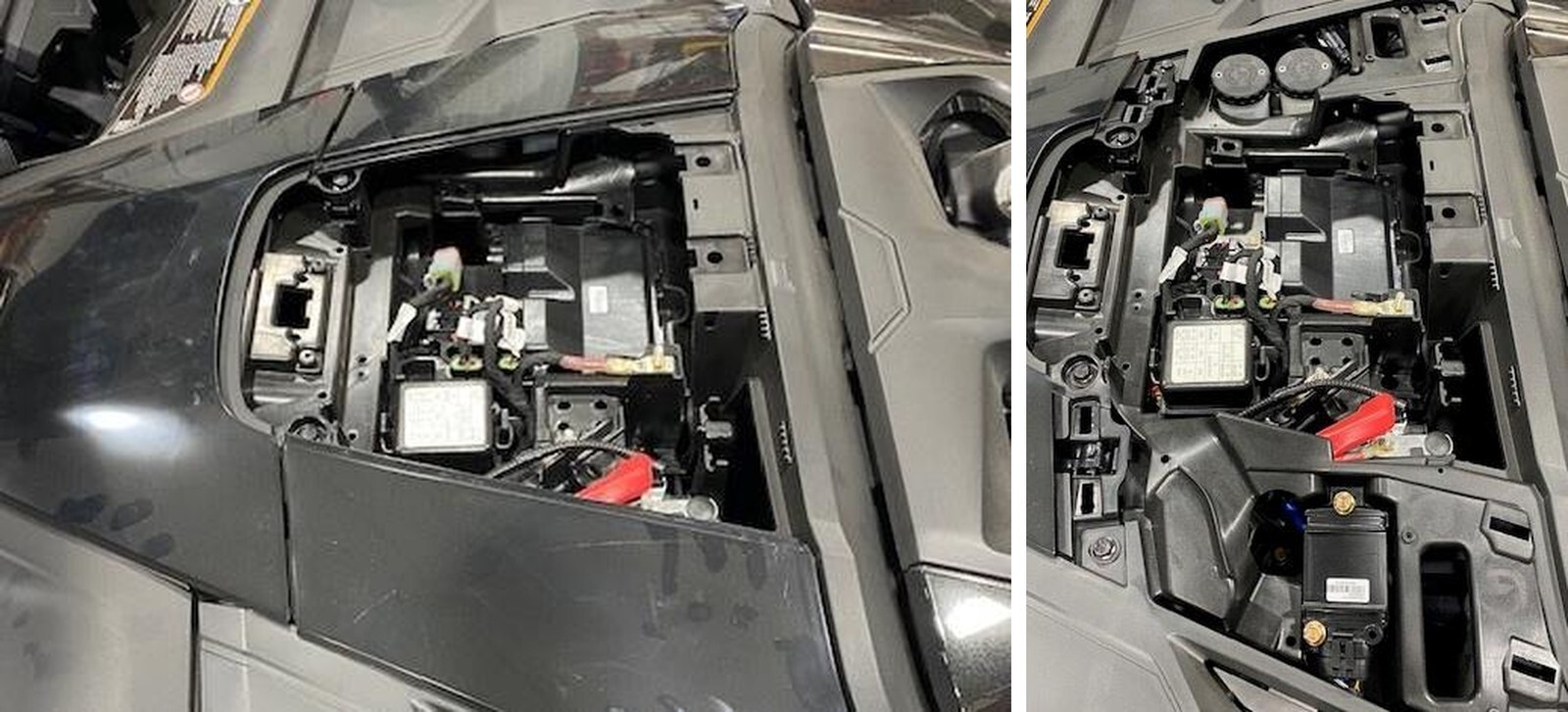
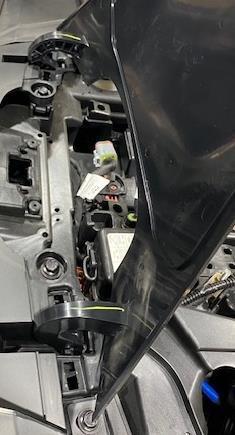
Remove the front fuse box cover.
8
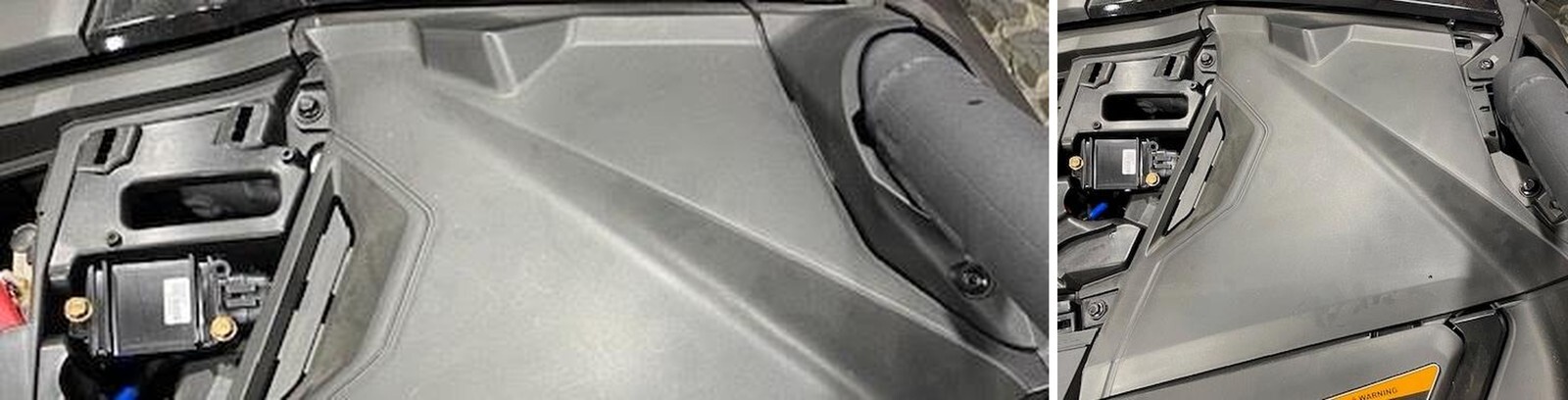
Remove both driver and passenger side trim panels, pop out of (4) clips.
Can-Am Maverick R installation
9
Remove the upper glove box lid, open fully and pull upward.
10
Remove both passenger and driver side dash to cage trim. Remove (1) T-25.
Can-Am Maverick R installation
11
Remove both passenger and driver side upper dash panels. (3) 10mm screws and (1) T-30 screw.
12
Remove both passenger and driver side dash trim pieces. Pull out of (4) clips.
Can-Am Maverick R installation
13
Remove the central dashboard kit, remove (8) 10mm screws and washers.
14
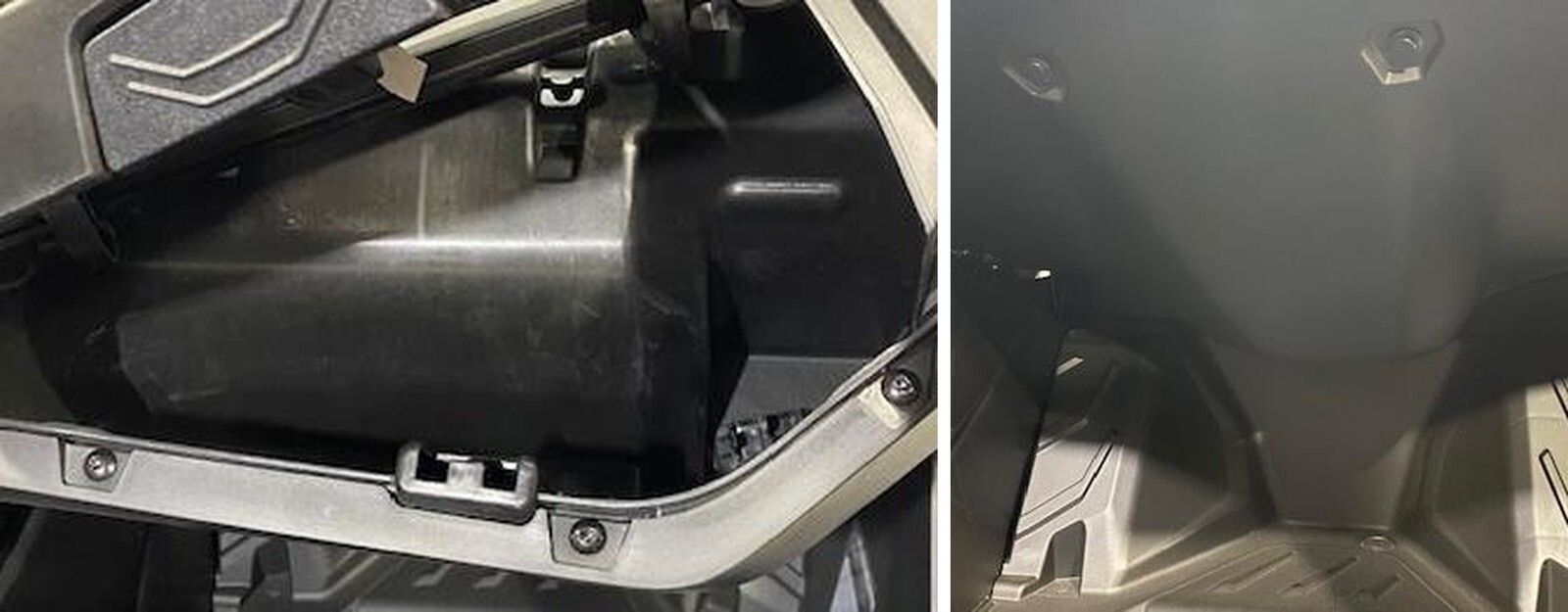
Remove the passenger glove box, (3) 10mm screws on top, (3) T-25 screws inside the glove box, (2) T-30 screws behind the gas door, (4) push darts underneath the glove box holding the interior trim on.
Can-Am Maverick R installation
15
Remove the glovebox, you can keep the glove box lower trim piece in or remove it.
16
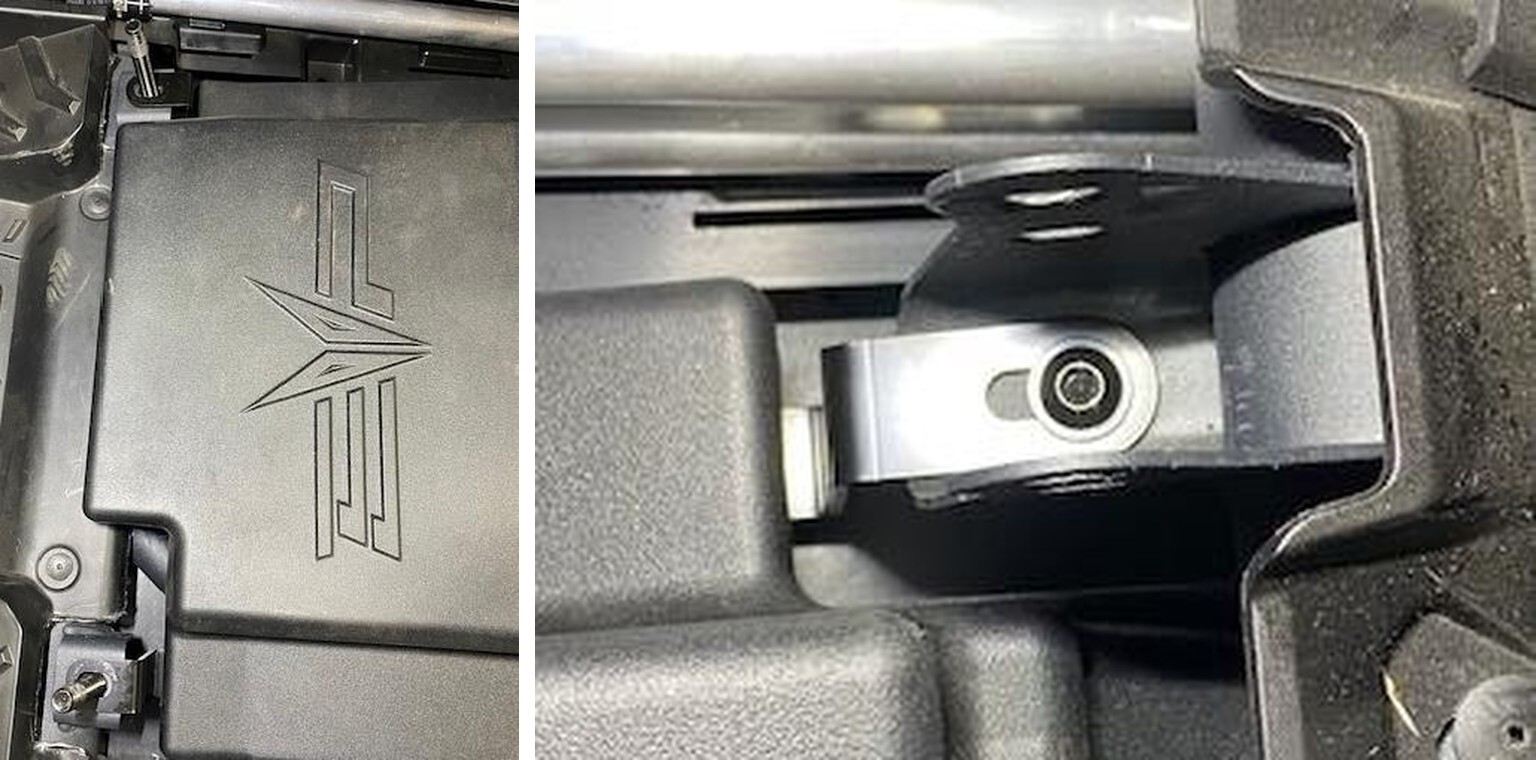
Passenger Side: Install the brackets to the tank loosely, use supplied M8-1.50 x 12mm hardware. The brackets are labeled as PFL = passenger front left, PFR = passenger front right, PRL = passenger rear left, PRR = passenger rear right. Install the tank with brackets into the vehicle to get an idea of where the brackets need to be. Once completed, remove each bracket fastener, apply BLUE Loctite to the threads and torque hardware down for the final time.
Can-Am Maverick R installation
17
Install the tank into the vehicle.
18
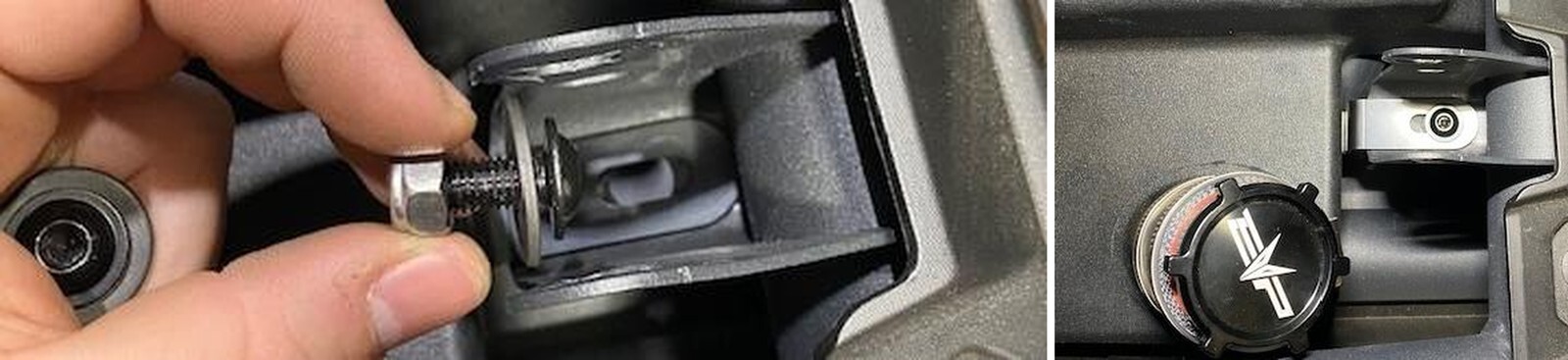
Install the supplied M8 x 16mm bolt with washer and locknut on the bottom of the front mounts. Use an 5mm Allen and 13mm short wrench to fasten down.
Can-Am Maverick R installation
19
Driver Side: Install the brackets to the tank loosely, use supplied M8-1.50 x 12mm hardware. The brackets are labeled as DFL = driver front left, DFR = driver front right, DRL = driver rear left, DRR = driver rear right. Install the tank with brackets into the vehicle to get an idea of where the brackets need to be. Once completed, remove each bracket fastener, apply BLUE Loctite to the threads and torque hardware down for the final time.
20
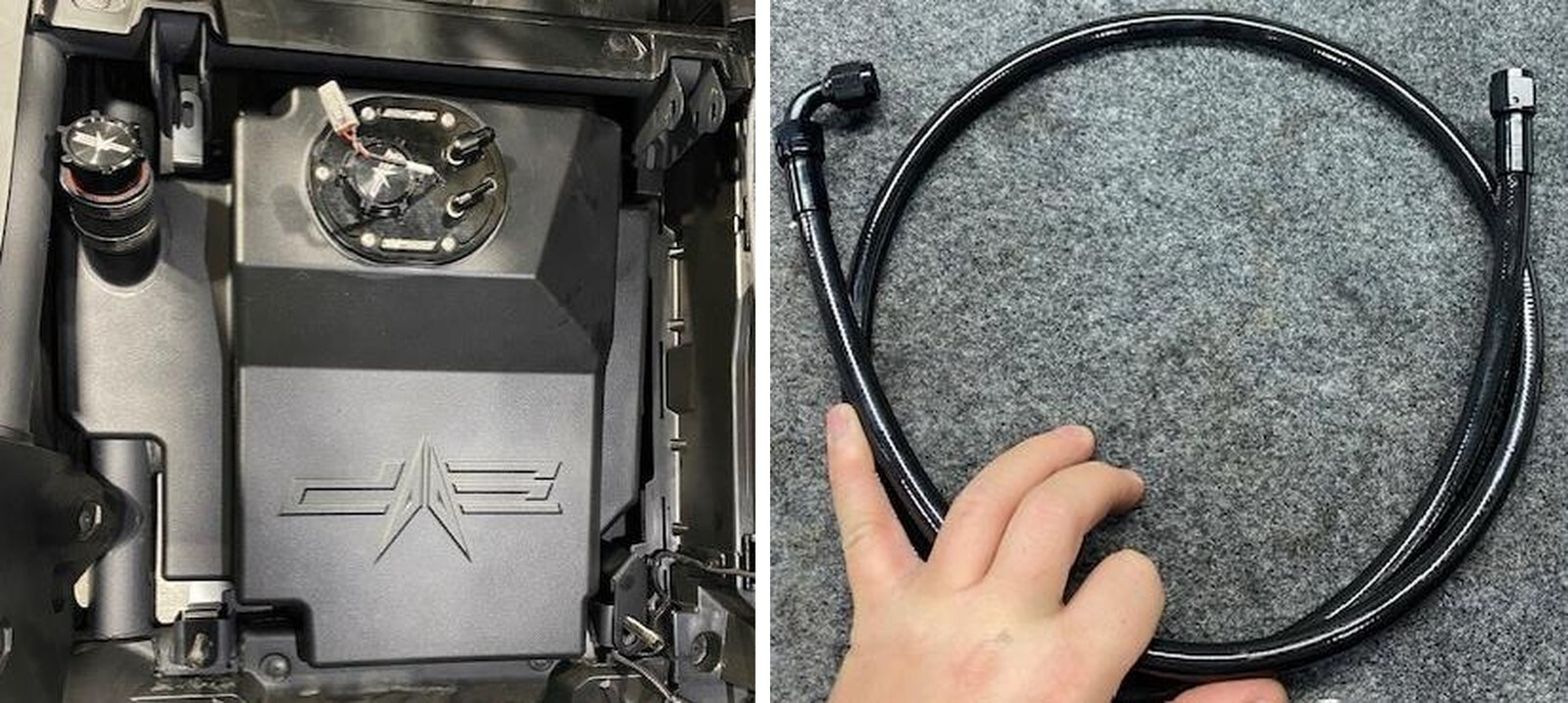
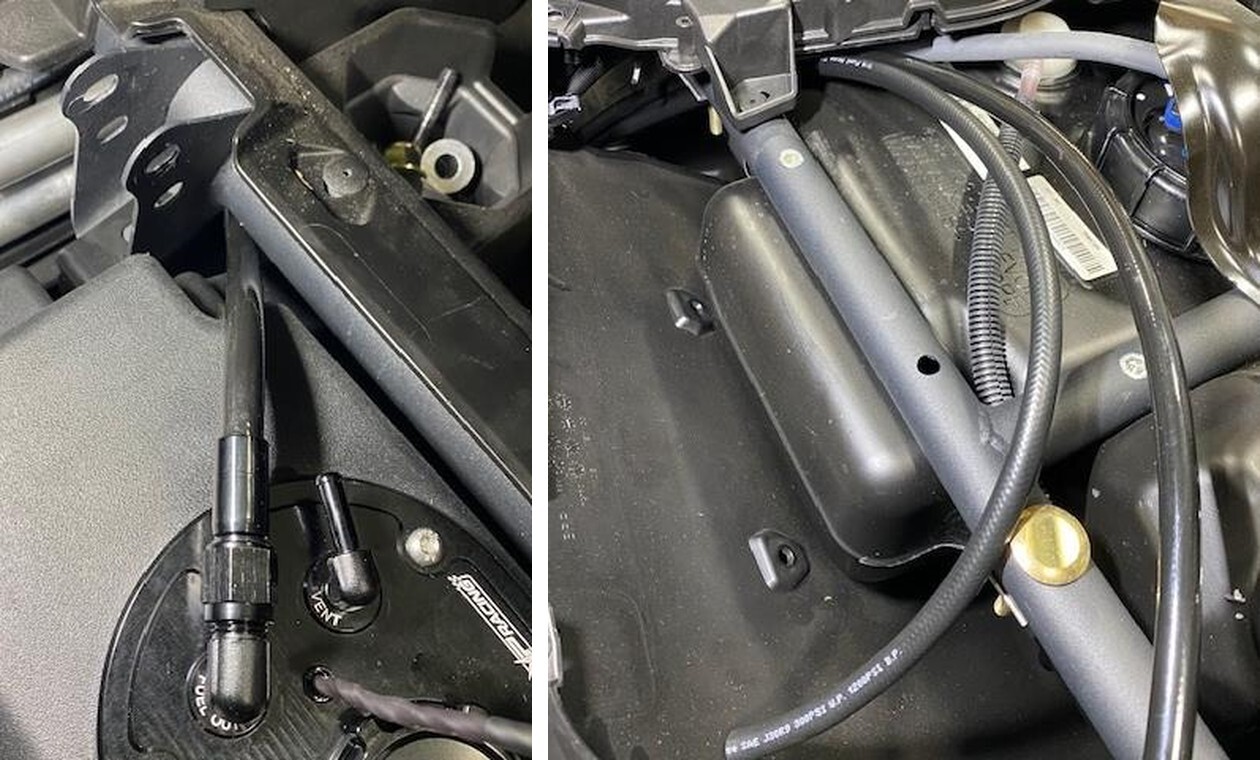
Locate the PTFE fuel hose, passenger side is 54”, driver side 60”.
Can-Am Maverick R installation
21
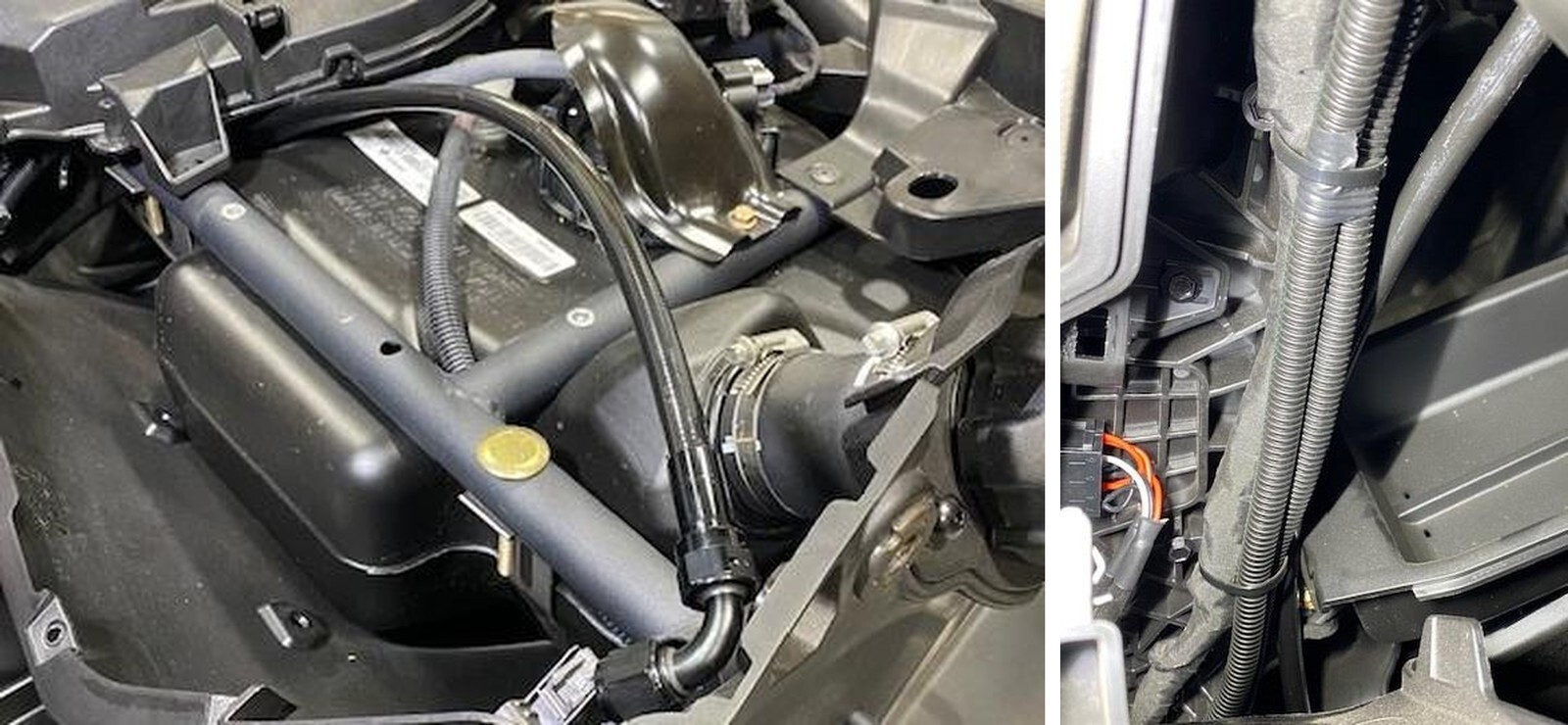
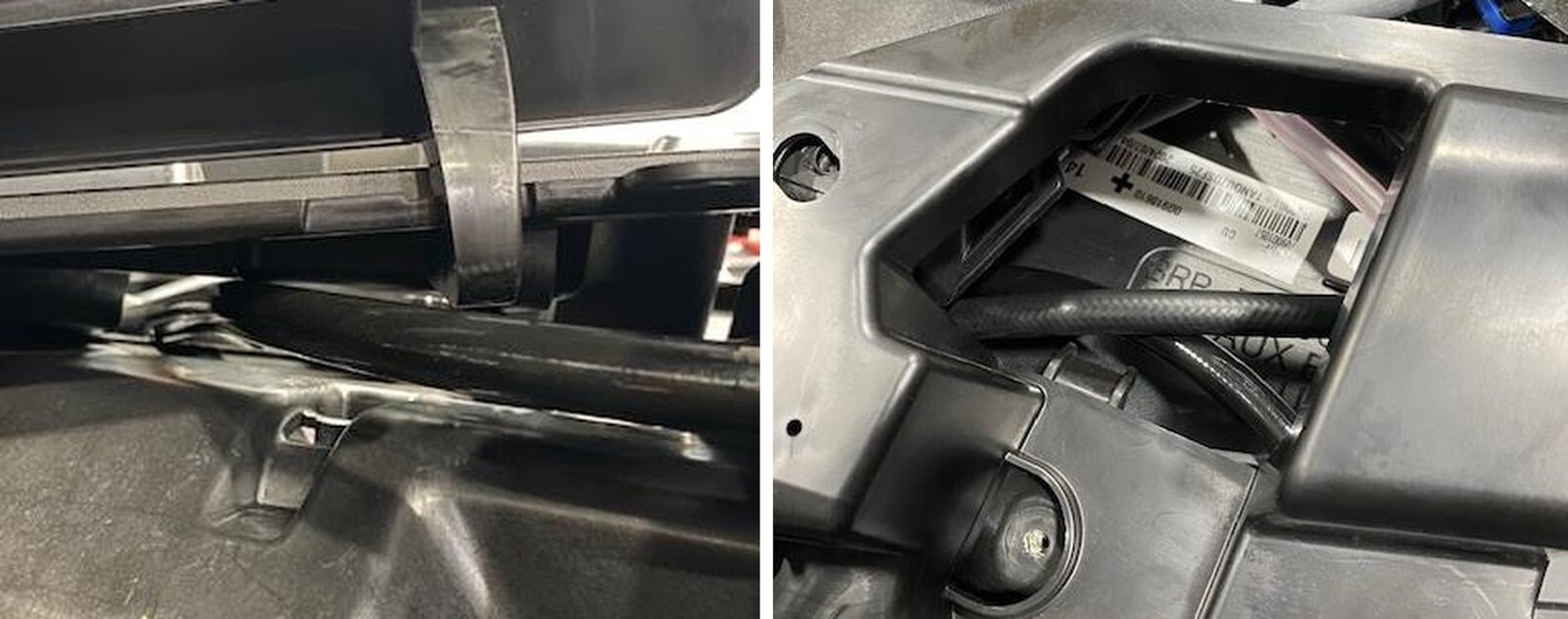
Passenger Side: Route the straight end from the gas tank, down into the center tunnel (on passenger side) up to the auxiliary tank as shown.
22
Locate the 1/4" 54 or 60” vent hose, route that hose the same way. Install 13.3 pinch.
Can-Am Maverick R installation
23
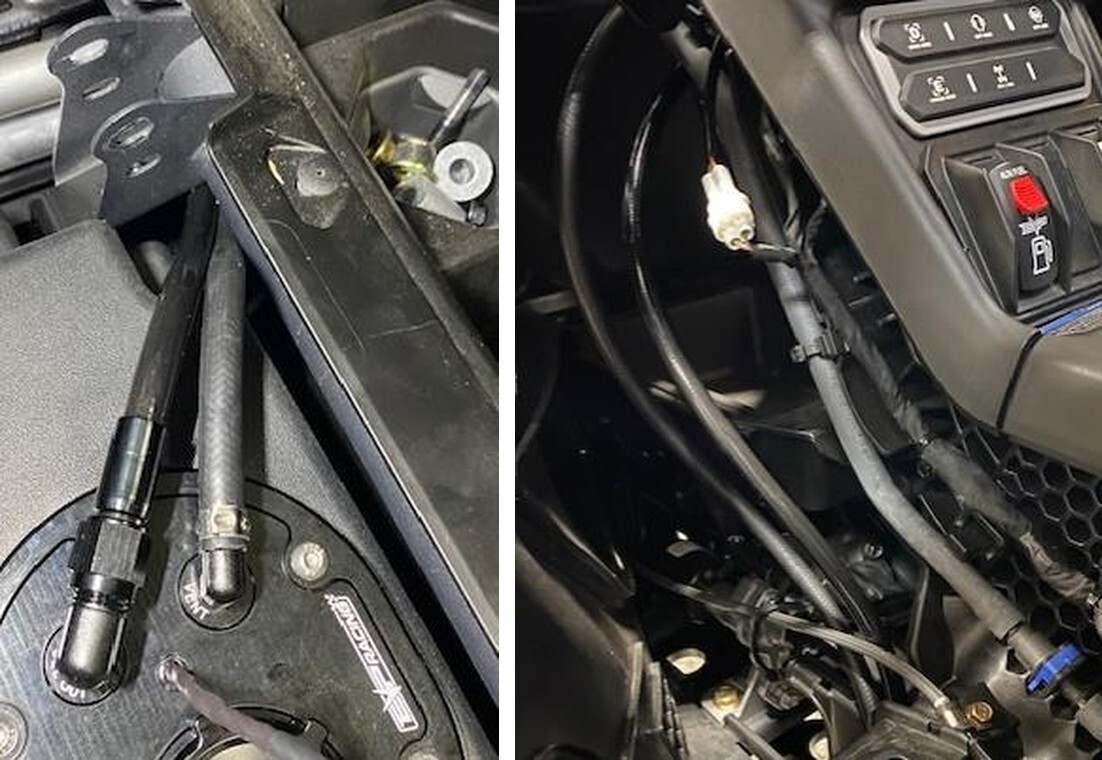
Driver Side: Route the straight end from the gas tank, down into the center tunnel (follow the OEM fuel hose on drivers side) up to the auxiliary tank as shown.
24
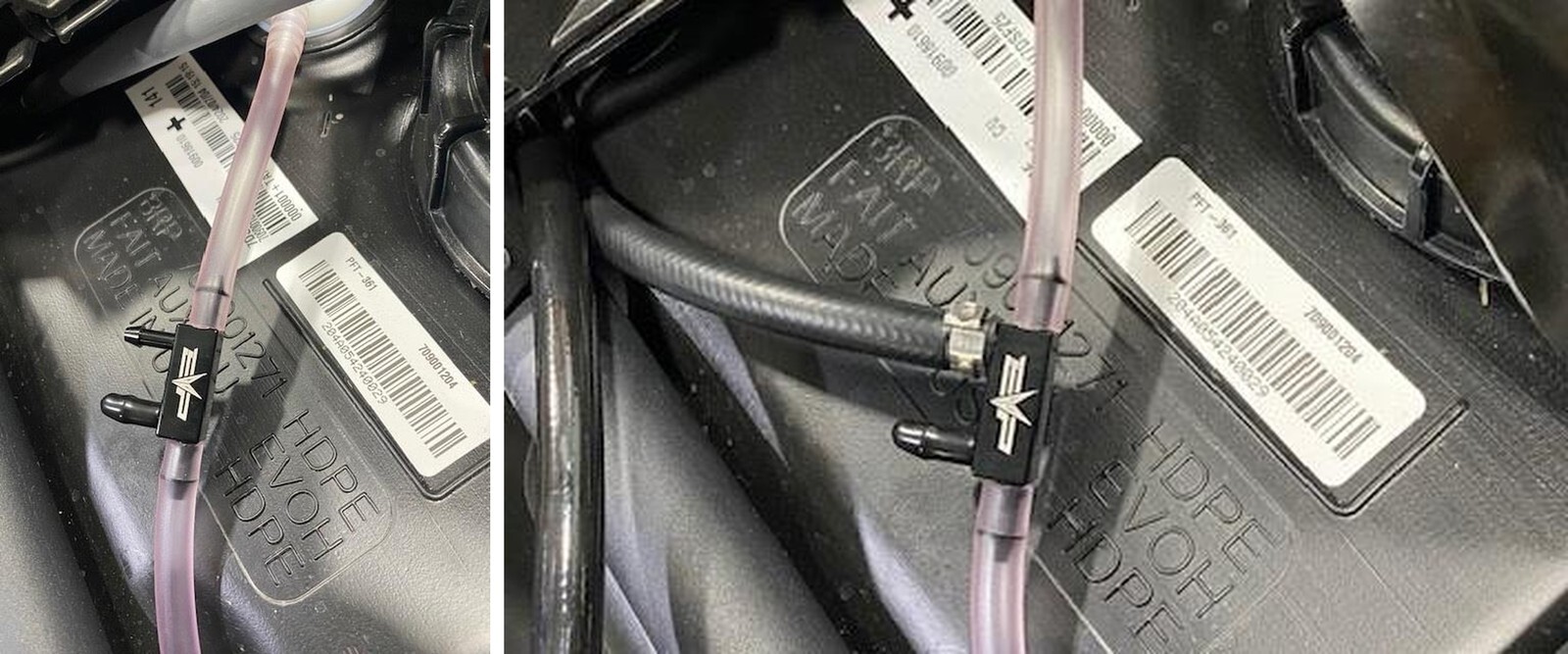
Locate the vent line off the OEM tank, peel back 5-6” of sleeving and cut it off. Locate the EVP vent block. Install the vent block in-line with the OEM PINK vent hose. NOTE: If you are running dual tanks you will use both barbs, if you are running one tank, cap the port not being used.
Can-Am Maverick R installation
25
Connect the 1/4" rubber hose to the vent block, use supplied 13.8mm pinch clamp.
26
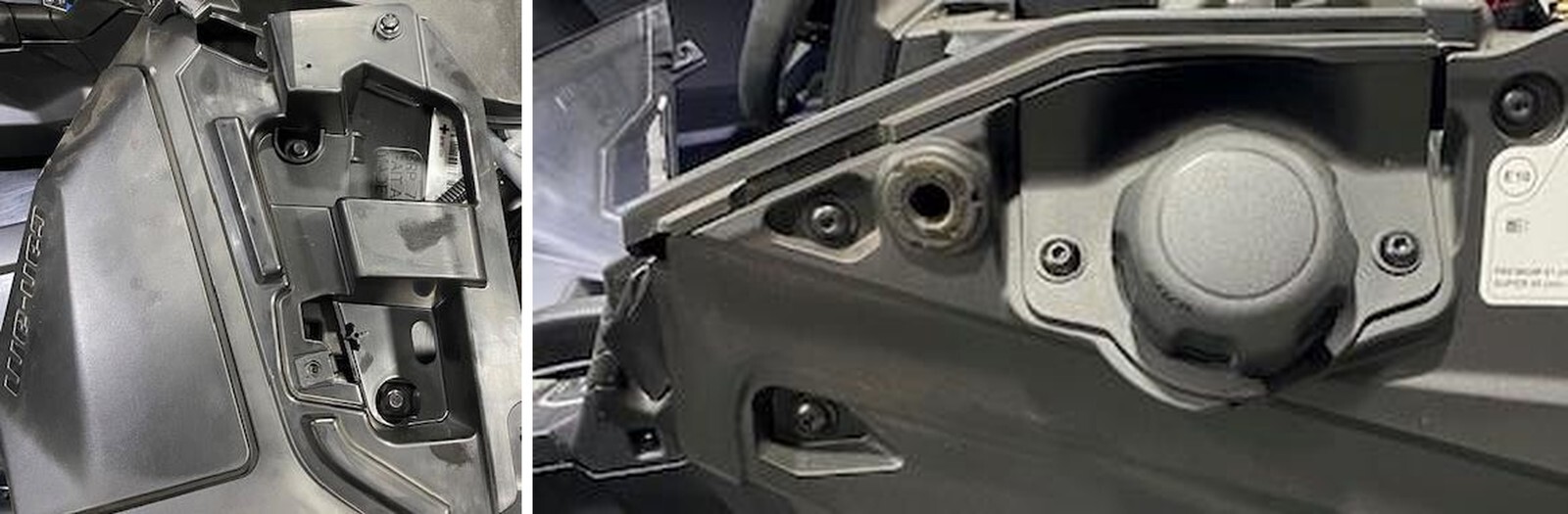
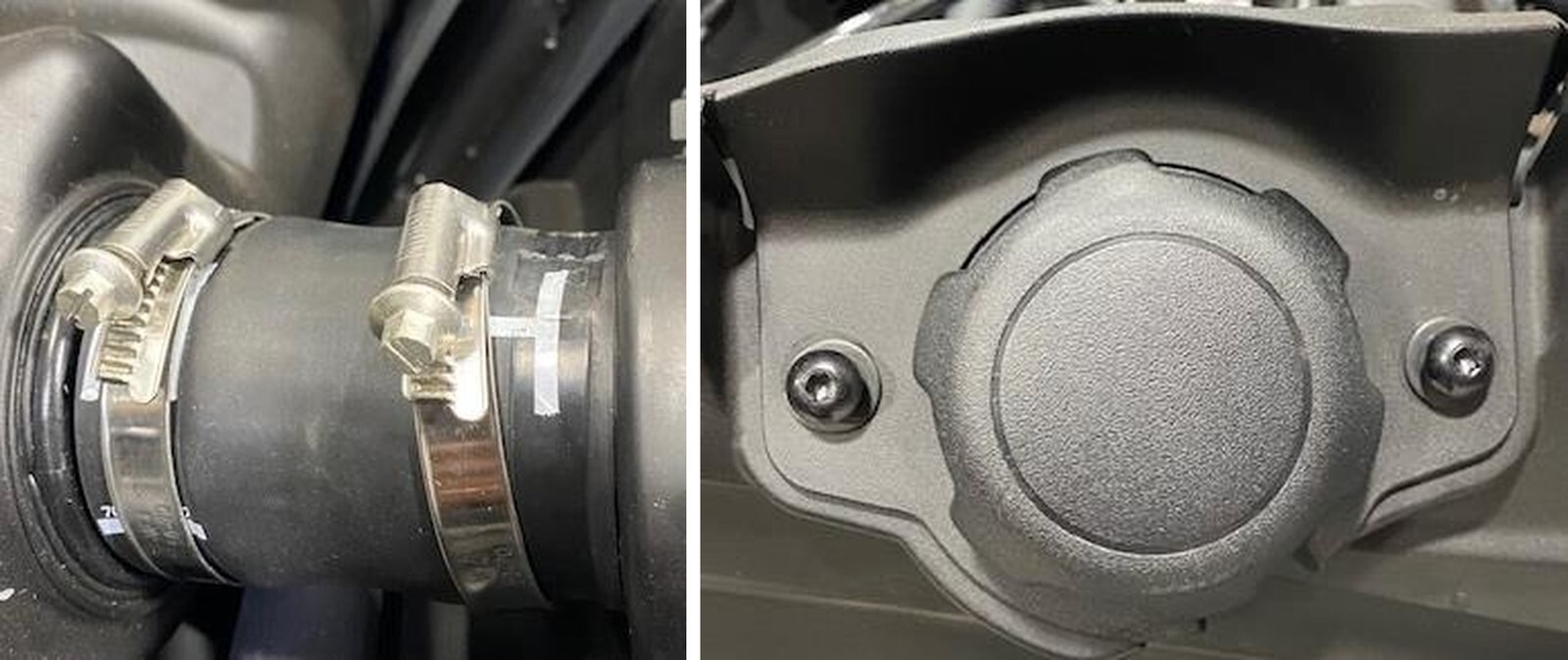
Remove the (2) T-30 screws holding the filler neck trim plate on. Loosen both filler neck worm drive clamps.
Can-Am Maverick R installation
27
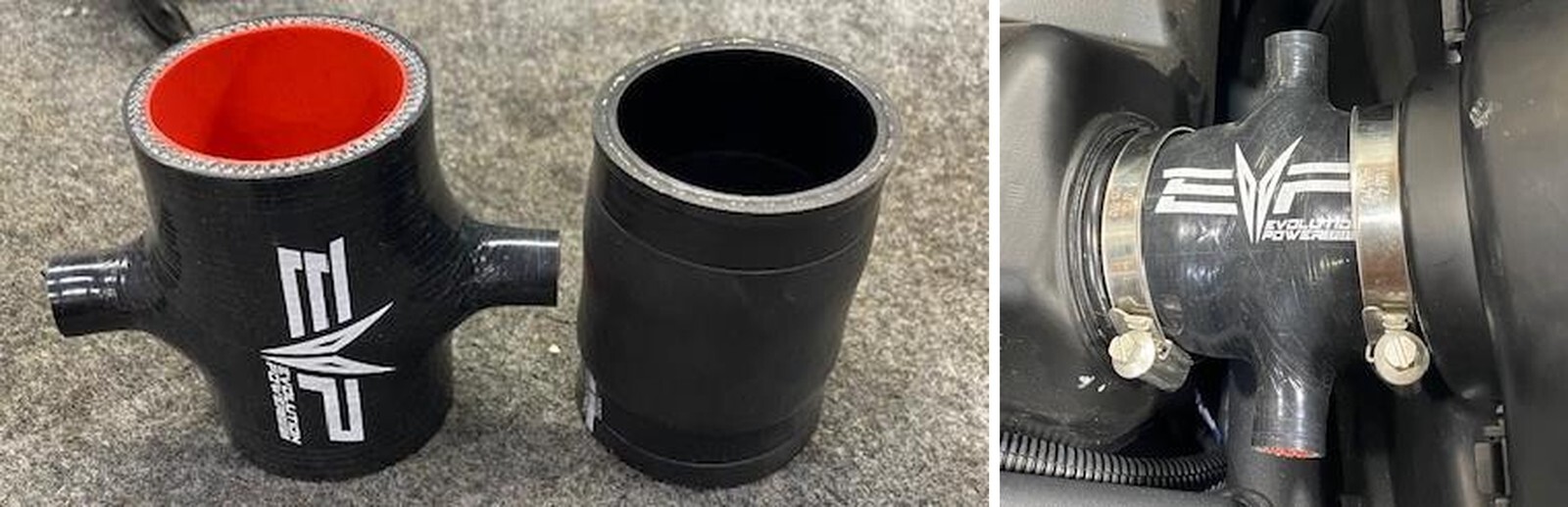
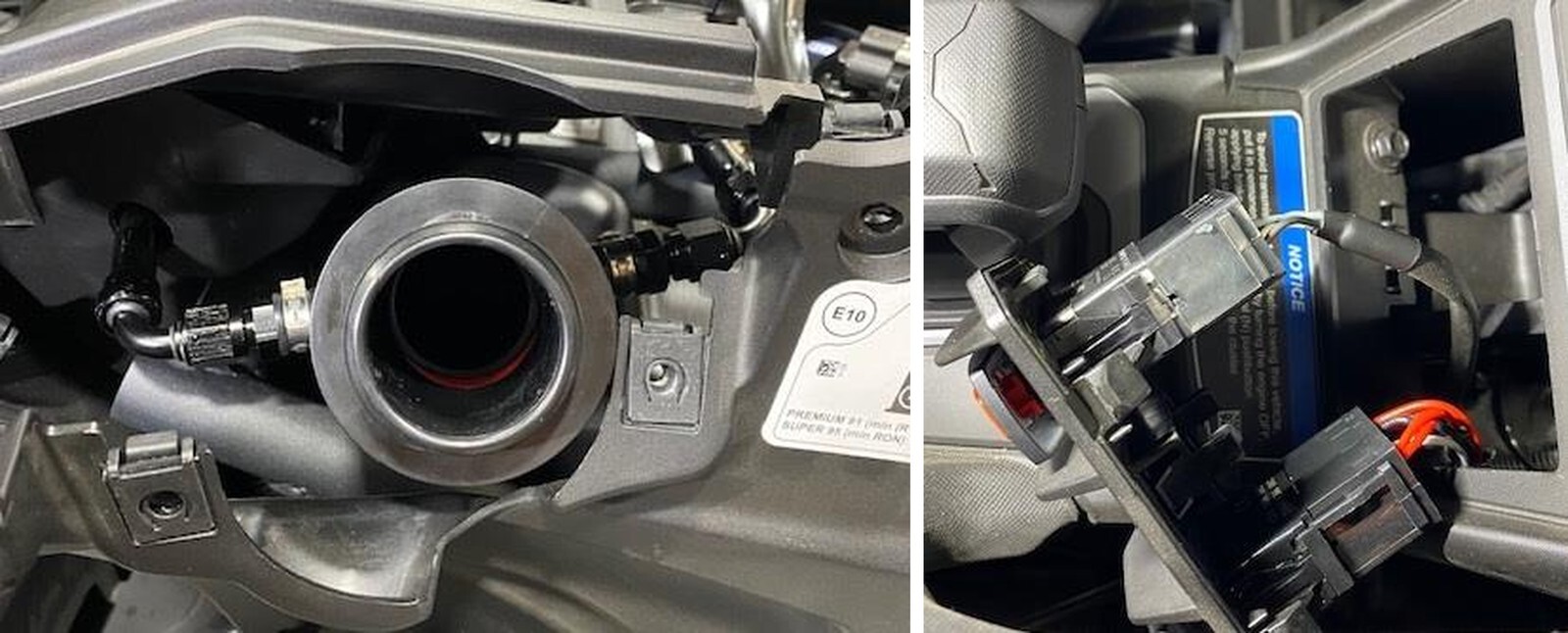
Remove the OEM filler neck, locate the EVP filler neck.
28
Install the new filler neck onto the OEM tank, re-use OEM hardware.
Can-Am Maverick R installation
29
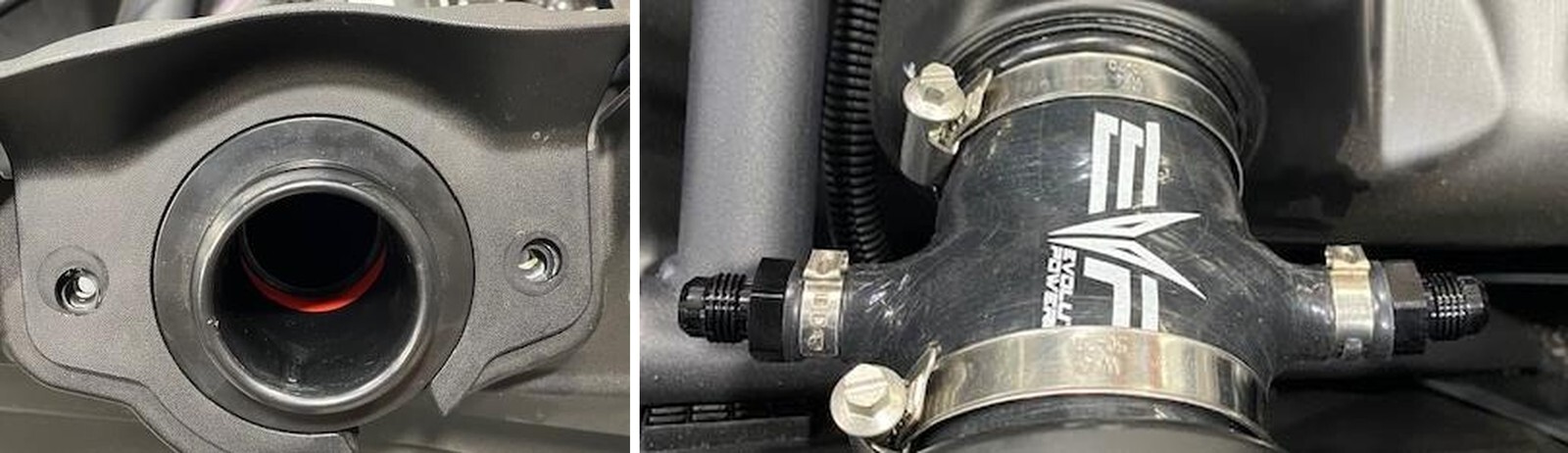
Install the suppled 6AN barb fittings into filler neck, fasten with 19.2mm pinch clamps.
30
If you run one tank, run the fuel fill hose to the right port. Cap the left port with a 6AN cap. With the left over 1/4" vent hose, cut 2.0” off and place over the fuel pump bracket in case the hose rubs, or use zip ties to hold the hose away from the bracket.
Can-Am Maverick R installation
31
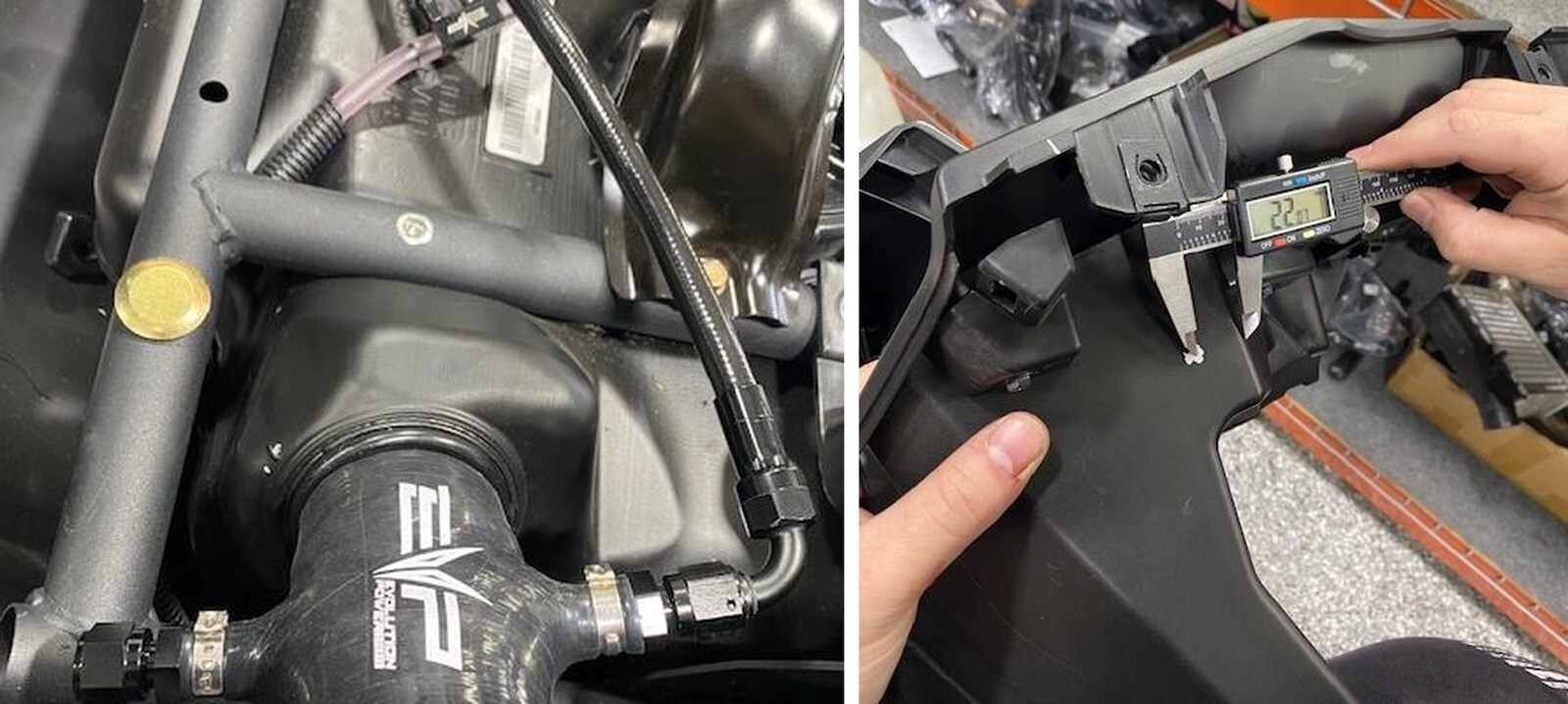
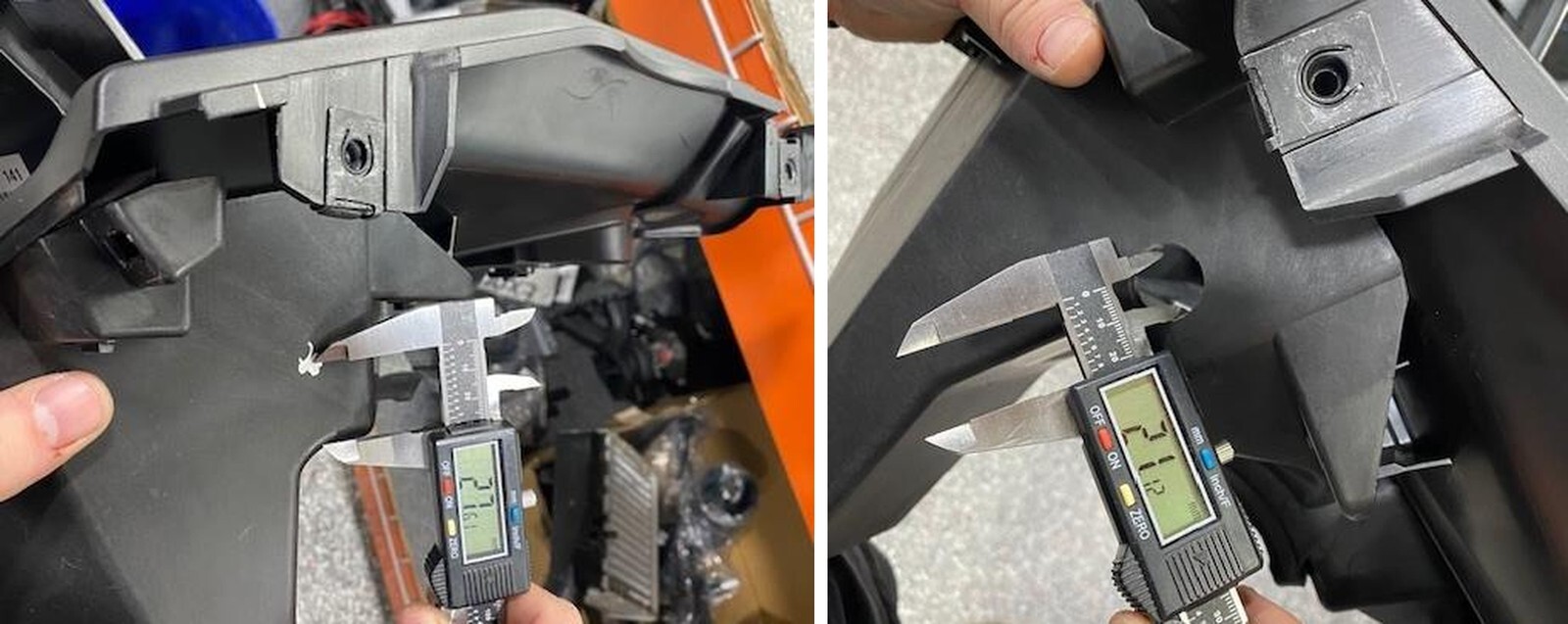
If you are already running one side and installing the other side, locate the passenger glove box and find the location to drill a hole. 22.0mm over and 27mm upward, see silver dot.
32
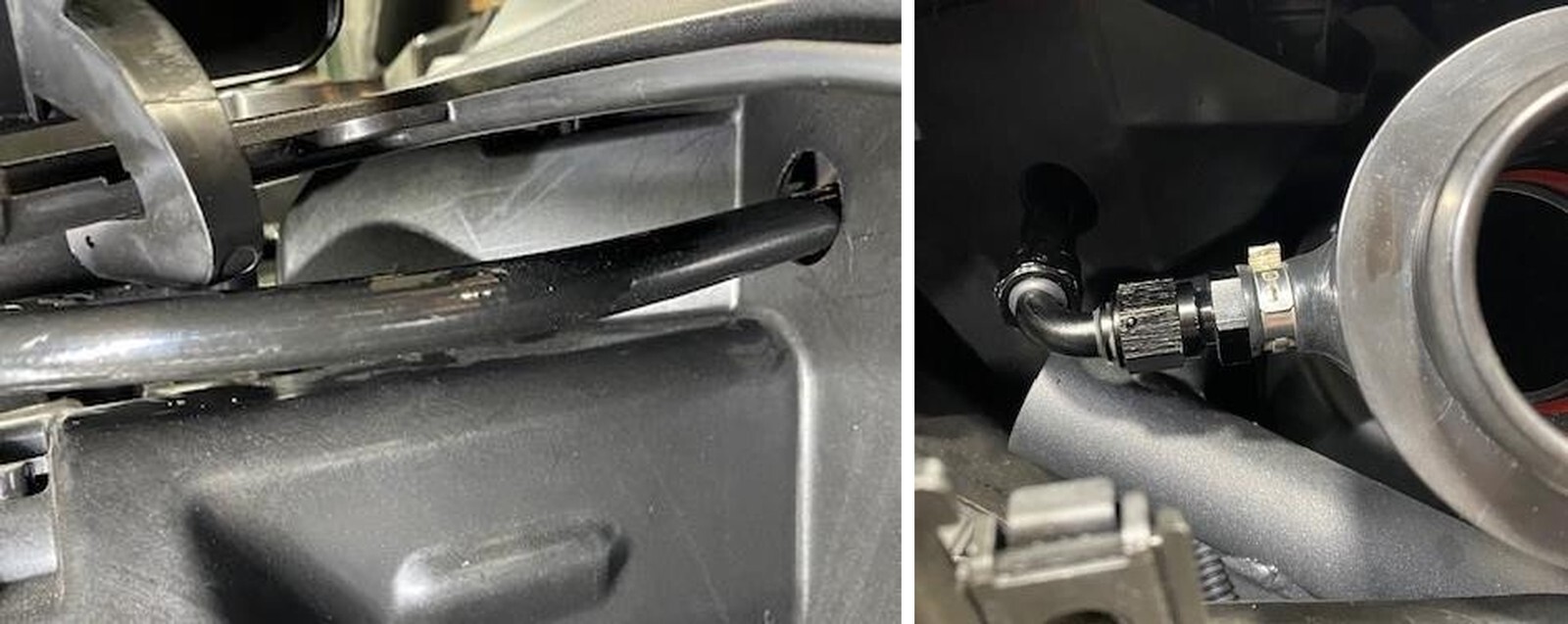
With a step bit, drill a hole 20-24mm in diameter, or large enough to fit the 90-degree fitting through.
Can-Am Maverick R installation
33
With the glovebox loosely in place, route the other fuel feed hose as follows.
34
If running both tanks, this is how the filler neck will look. Tighten both 6AN fittings.
Can-Am Maverick R installation
35
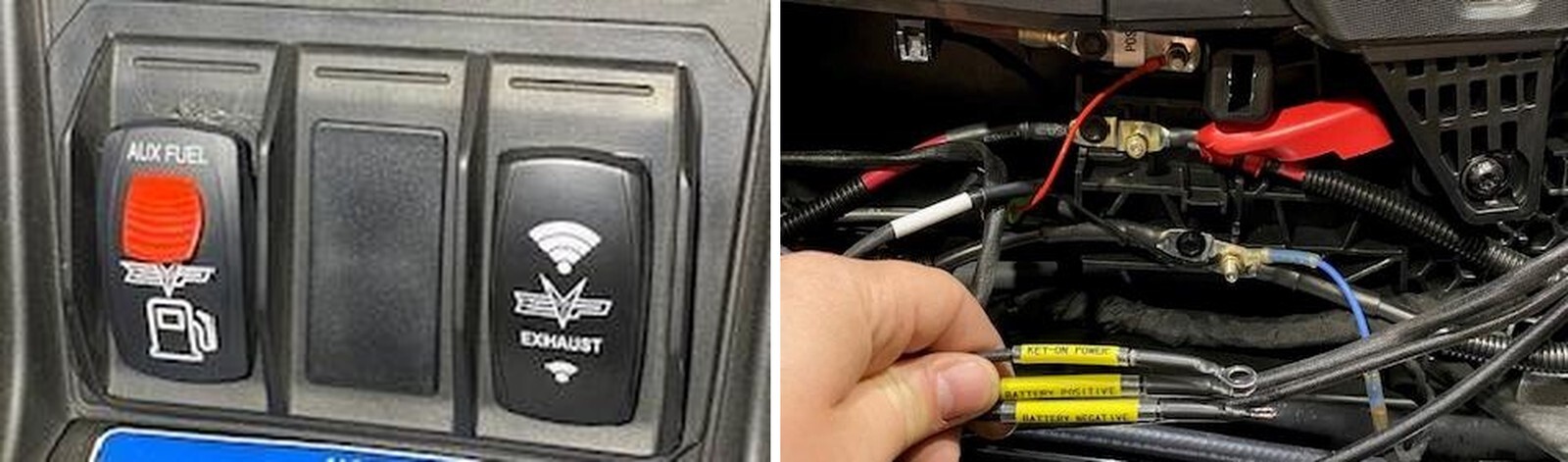
Locate a blank rocker switch location, install the supplied lock out switch and plug the harness into the switch.
36
Locate the bus bar in the center tunnel, connect the switch harness.
Can-Am Maverick R installation
37
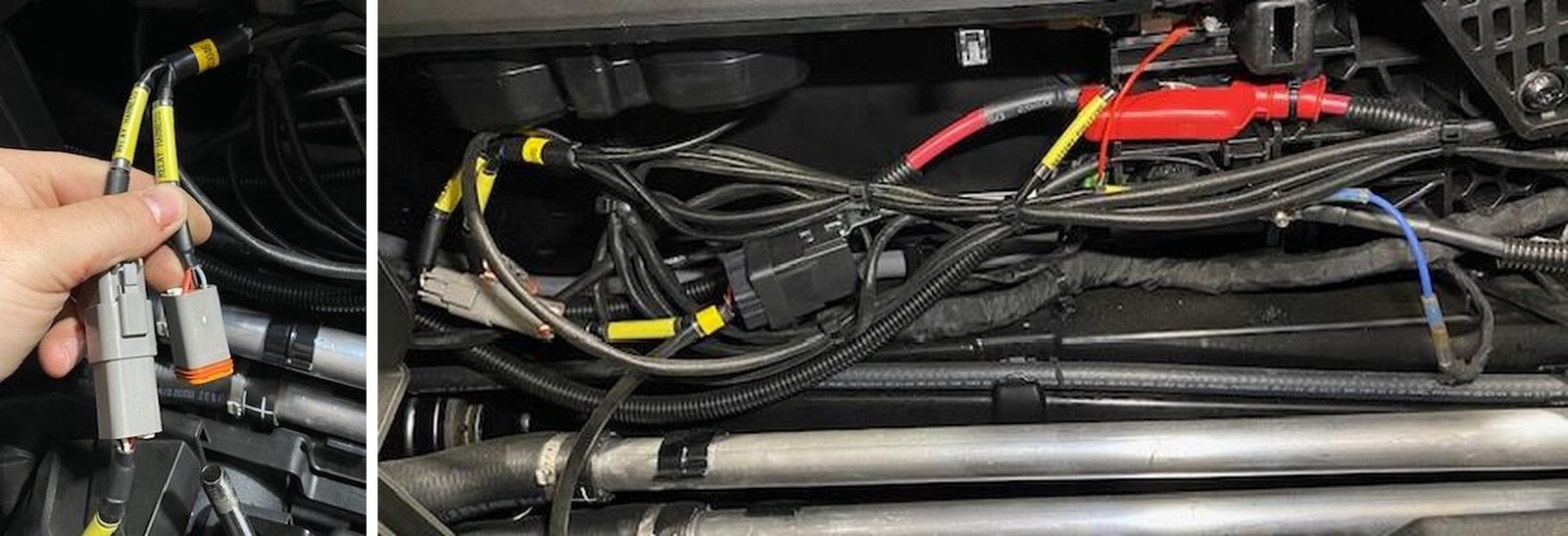
Install the fuel pump relay harness to the switch harness. If you are only running one tank, install the supplied blank plug on the other switch harness plug.
38
Zip tie the switch and relay harness into the center tunnel.
Can-Am Maverick R installation
39
Route the relay harness as shown to the auxiliary fuel tank.
40
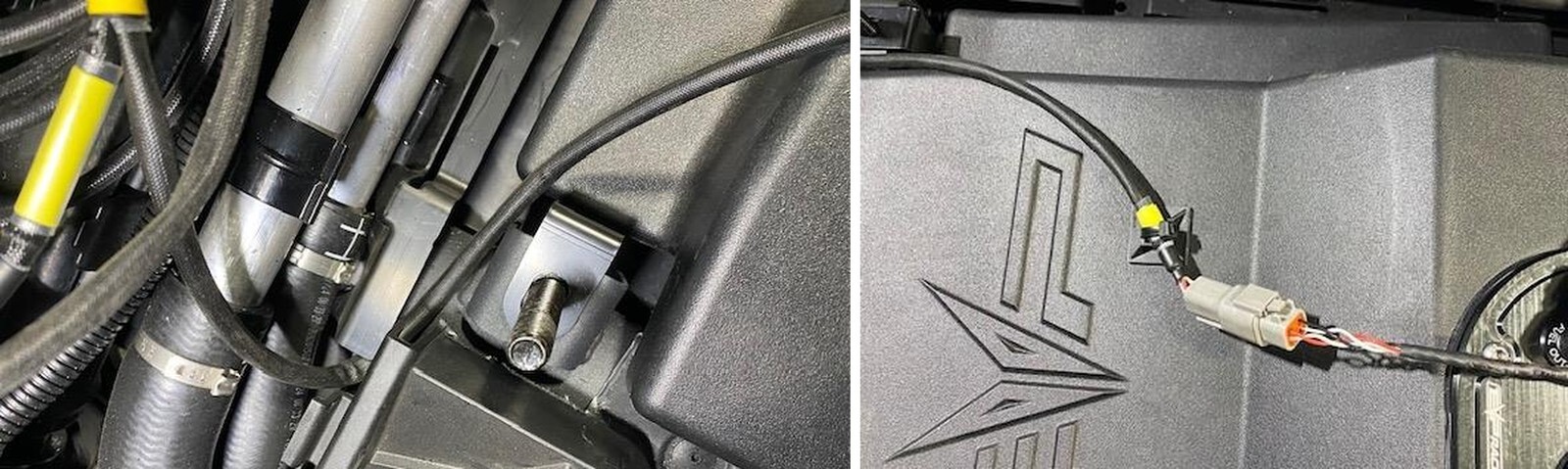
Install the supplied zip tie mount to the tank and zip tie the harness. Plug the fuel hat connector into the relay pigtail.
Can-Am Maverick R installation
41
Fill the auxiliary tank with the correct fuel for your tune, key the vehicle on and turn the auxiliary tank on. Look for any leaks, make sure everything is tight. Once completed, reinstall all factory parts in reverse order.
Can-Am Maverick R installation

Note: This product is exempt from the emission standards and related requirements of 40 C.F.R. § 1051 as provided by 40 C.F.R. § 1051.620, and California law [e.g., vehicle code§§ 27156 and 38391]. This product is sold only for use in connection with EPA certified, purpose-built, nonroad vehicles used solely for closed course, nonroad competition/racing and not used for any recreational purpose or on public highways or right of ways maintained by and open to the public. This product is sold only in connection with machines that do not fall under state and/or federal noise or emission standards/regulations. Purchasers who/that purchase this product represent and warrant that the product is purchased only in connection with EPA -certified, emission-regulations-exempt and noise- regulations-exempt competition/racing vehicles as interpreted under applicable state and/or federal law. Questions: Call Evolution Powersports at (715) 247-3862.