Skip to content
English
  • There are no suggestions because the search field is empty.

Can-Am X3 Captains Choice Electronic with Heat Shield — Install Guide

Can-Am · Maverick X3 · SKU Black (301DC0008), Platinum (301DC0009), Red (301DC0010), Yellow

What's in the Box

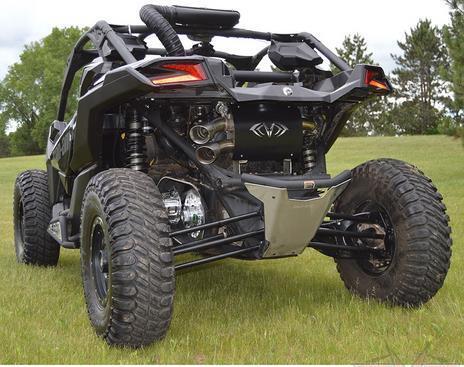
Can-Am Maverick X3 kit contents
Included parts
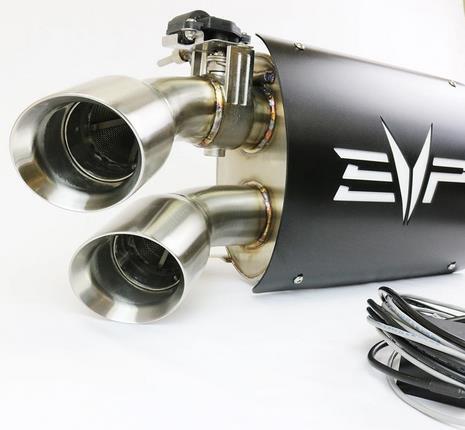
Electronic Captains Choice Qty 1
with Heat Shield.
Electronic Harness Qty 1
Required tools
T-30 Torx
Spring Puller
Flat Head Screwdriver
18mm Socket
13mm Socket

Installation

1
Remove rear valance covering the OEM exhaust muffler.
2
Using a heavy-duty spring tool, remove the 4 springs holding the muffler to the race bypass pipe.
3
Remove the 4 bolts and nuts securing the muffler to the frame of the machine and remove muffler. Upper and lower heat shields by removing the worm drive clamps. of the clamp until it pops off. Be careful only to pry on the inner part of the clamp – do not pry on the thin outer band or the clamp will be permanently damaged.
  • If installing a race bypass, remove the OEM O2 sensor. Remove the.
  • Loosen V-Band clamp at the turbo/race bypass connection.
  • With the clamp loose, using a screwdriver, pry around the circumference.
4
Install race bypass pipe. Make sure the flanges of the turbo and pipe meet correctly.
5
Reinstall V-Band clamp and partially tighten.
6
Install E-Captains Choice exhaust in the reverse of how the OEM muffler was removed.
7
Reinstall heat shields on the race bypass and reinstall O2 sensor and reconnect plug.
8
Finish tightening V-Band clamp between turbo and race bypass.
Can-Am Maverick X3 installation
1
Electronic Captain’s Choice comes with plug and play harnesses.
2
Remove passenger side seat (2) 18mm in the rear and (2) 13mm sockets in the front. Pop out the side panel between the passenger seat and center console.
3
Route supplied (grey) power cable from the exhaust actuator through the fire wall into the center console and up to the dash. Route supplied (black) power cable with in-line fuse from the bus bar up to the dash.
4
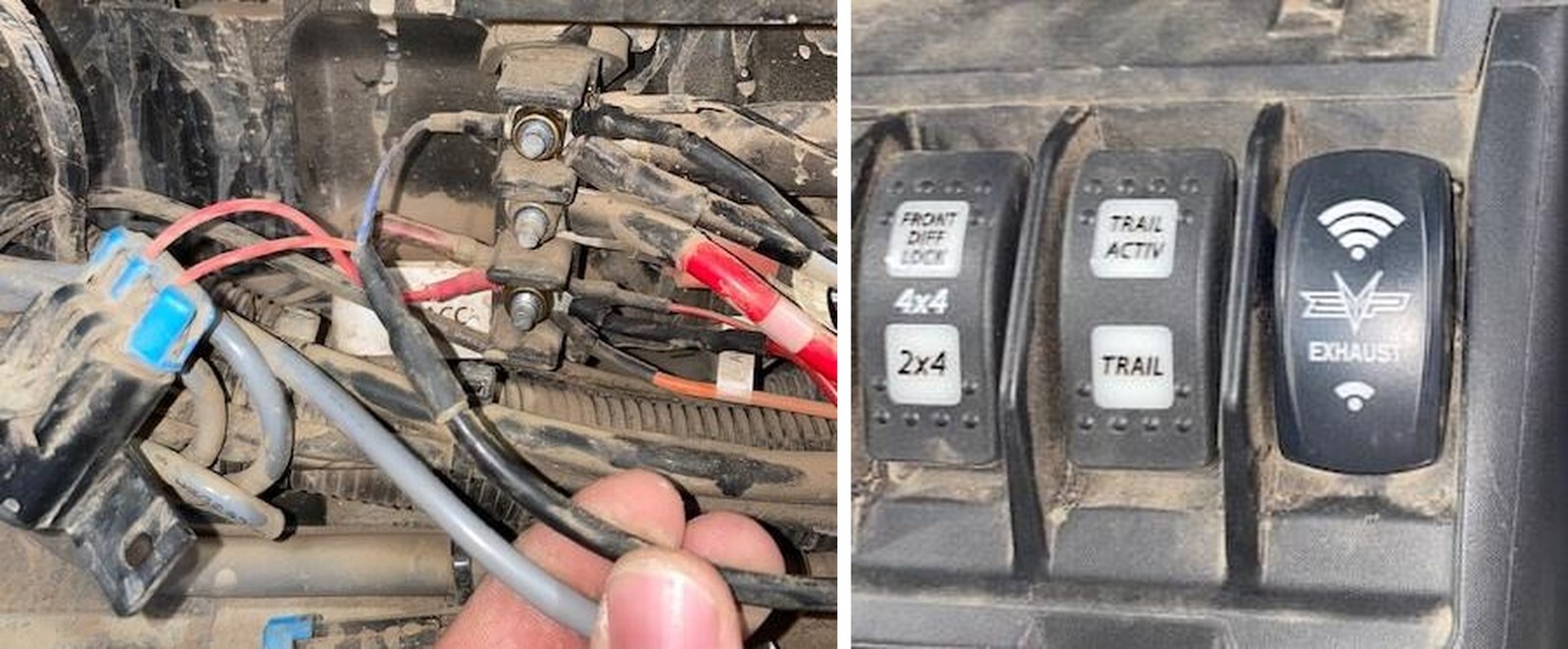
Connect the (black) power cable with in-line fuse to the bus bar. Connect the ground (blue wire) to the ground of the bus bar. Connect the positive (red) wire to the “key-on” or “accessory” bank on the bus bar. (See below photo).
5
Pop a blank switch out of the dash and install the EVP exhaust switch. Connect both sides of the switch and mount it into the dash. Push it in till it seats.
6
Zip tie power cables neatly inside the center console. Re-install side panel to the center console.
7
Reinstall the passenger seat.
Can-Am Maverick X3 installation

Note: This product is exempt from the emission standards and related requirements of 40 C.F.R. § 1051 as provided by 40 C.F.R. § 1051.620, and California law [e.g., vehicle code§§ 27156 and 38391]. This product is sold only for use in connection with EPA certified, purpose-built, nonroad vehicles used solely for closed course, nonroad competition/racing and not used for any recreational purpose or on public highways or right of ways maintained by and open to the public. This product is sold only in connection with machines that do not fall under state and/or federal noise or emission standards/regulations. Purchasers who/that purchase this product represent and warrant that the product is purchased only in connection with EPA -certified, emission-regulations-exempt and noise- regulations-exempt competition/racing vehicles as interpreted under applicable state and/or federal law. Questions: Call Evolution Powersports at (715) 247-3862